
As a small business owner, you’ve likely felt the sting of a dried-up ink cartridge or a printer that refuses to connect precisely when you need it most. It’s a common scenario: you need to print an invoice, a shipping label, or a client contract, but these tasks are sporadic. The idea of investing in a high-volume office behemoth feels wasteful, yet the thought of relying solely on print shops for every little document is inefficient and costly. This is where the challenge of choosing a printer when you barely print truly comes into focus.
It’s not just about the initial purchase price; it’s about the total cost of ownership. The printer might be cheap, but if it devours expensive ink cartridges every other month, even when sitting idle, you’re losing money. This guide is designed to cut through the marketing jargon and offer practical advice for small businesses, whether you’re operating out of a home office in São Paulo, a co-working space in Berlin, or a small storefront in Toronto.
Understanding Your Minimal Printing Needs
Before diving into specific models, let’s frame your needs. When you barely print, your primary concerns shift dramatically from those of a high-volume office. You’re looking for reliability, cost-effectiveness over time, and ease of use, not necessarily speed or advanced features like duplex scanning for hundreds of pages. Think about what you actually print: is it mostly black and white text? Do you occasionally need color for presentations or marketing materials? Is a scanner an absolute must for digitizing receipts or contracts for Microsoft 365 or your chosen password manager’s document vault?
A common mistake is buying a cheap inkjet printer thinking it’s a bargain, only to discover the replacement ink cartridges cost more than the printer itself, and they dry out if not used frequently. This ‘razor and blades’ model is a significant trap for occasional users. Your goal is to find a printer that respects your budget both upfront and in the long run, and one that doesn’t demand constant attention or troubleshooting.
Key Considerations When Choosing a Printer When You Barely Print
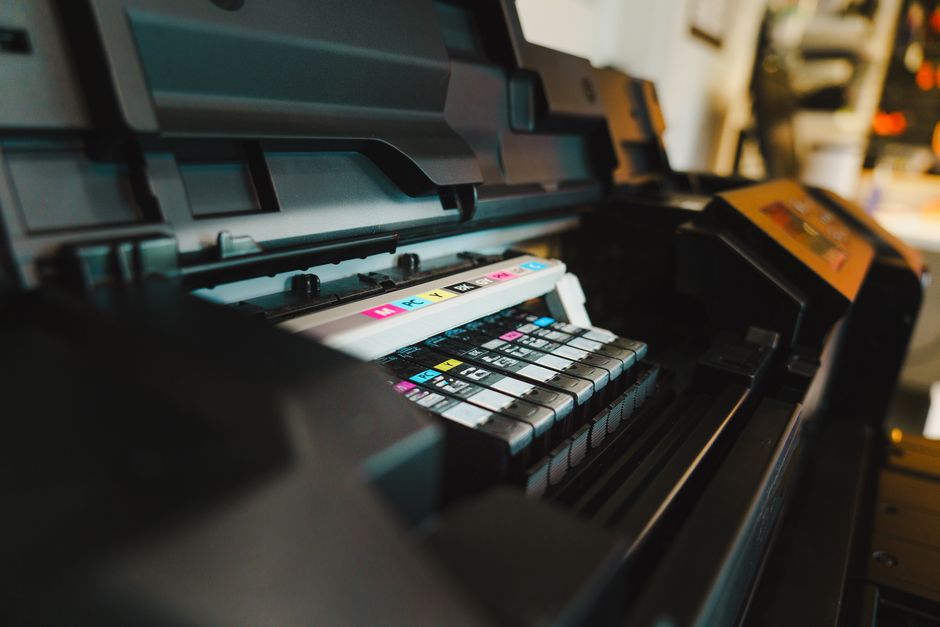
- Ink Cost vs. Printer Cost: The True Expense. This is perhaps the most critical factor. A printer with a low initial price often hides high running costs due to expensive, low-yield cartridges. Look at the cost per page (CPP) for both black and color. Ink tank printers (like Epson EcoTank or Canon MegaTank) have a higher upfront cost but dramatically lower CPP because they use refillable tanks instead of cartridges. For laser printers, toner cartridges last much longer and don’t dry out, making them excellent for infrequent black-and-white printing.
- Inkjet vs. Laser: The Fundamental Divide.
- Inkjet: Better for occasional color printing, photos, and generally lower upfront cost. However, traditional inkjet cartridges can dry out if unused, leading to wasted ink and frustration. Ink tank systems mitigate this significantly.
- Laser: Ideal for crisp black-and-white text documents. Toner doesn’t dry out, making laser printers perfect for sporadic use. Color laser printers exist but are generally more expensive to buy and operate than their monochrome counterparts.
- All-in-One Functionality: Do You Need a Scanner and Copier? For most small businesses, an all-in-one (AIO) printer with scanning and copying capabilities is incredibly useful. Digitizing documents for cloud storage, sending faxes (less common now, but some still need it), or making quick copies are invaluable. Ensure the scanner resolution is adequate for your needs, especially if you’re digitizing high-detail documents.
- Connectivity Options: Wi-Fi, USB, or Ethernet? Most modern printers offer Wi-Fi connectivity, which is highly convenient for printing from multiple devices (laptops, phones) without cables. Ensure it supports your network, potentially even newer standards like Wi-Fi 7, if your other devices are future-proofed. USB is standard for direct connection, and Ethernet provides a more stable wired connection, often preferred in office settings where reliability is paramount.
- Printer Size and Footprint: Space is a Premium. Small business offices, especially home offices, often have limited space. Consider the physical size of the printer. Some models are surprisingly compact, while others require a dedicated spot.
- Brand Reputation and Support. Brands like HP, Canon, Epson, Brother, and Lexmark are common across Europe, North America, and South America. Research their reliability for occasional use models and the availability of ink/toner in your region. For instance, finding specific HP cartridges in a remote part of Patagonia might be harder than in a major city like Buenos Aires.
- Duplex Printing: A Small Detail That Saves Paper. Automatic duplex printing (printing on both sides of a page) isn’t just eco-friendly; it saves paper and makes documents look more professional. For a small business, it’s a feature worth considering, even if you print infrequently.
Comparing Printer Types for Occasional Use
Let’s break down the most suitable printer types for a small business that barely prints, helping you choose wisely.
| Feature | Traditional Cartridge Inkjet (e.g., HP DeskJet) | Ink Tank Inkjet (e.g., Epson EcoTank, Canon MegaTank) | Monochrome Laser (e.g., Brother HL-L2370DW, HP LaserJet M110w) | Color Laser (e.g., Canon Color imageCLASS MF656Cdw) |
|---|---|---|---|---|
| Initial Cost | Very Low | Medium to High | Medium | High |
| Ink/Toner Cost | Very High (dries out) | Very Low (doesn’t dry out) | Low (doesn’t dry out) | Medium to High (doesn’t dry out) |
| Best For | Extremely rare, very small color jobs (e.g., one page/month). | Occasional color and black & white. Small office with varied needs. | Frequent black & white text. Very low maintenance. | Occasional, high-quality color documents. |
| Maintenance | Frequent head cleaning if idle, ink dries. | Very low. Just top up tanks. | Very low. Replace toner every 1-2 years. | Low to medium. Replace toner. |
| Scan/Copy | Common in AIO models | Common in AIO models | Common in AIO models | Common in AIO models |
| Recommendation for Barely Printing | Avoid. High long-term cost. | Strongly Recommended for color needs. | Strongly Recommended for text-only needs. | Only if high-quality color is essential AND budget allows. |
Common Mistakes to Avoid When Choosing a Printer When You Barely Print
Even with good intentions, it’s easy to fall into common traps when selecting a printer for low-volume use.
Choosing a Power Bank for Travel and Daily Carry: A Practical Buying Guide
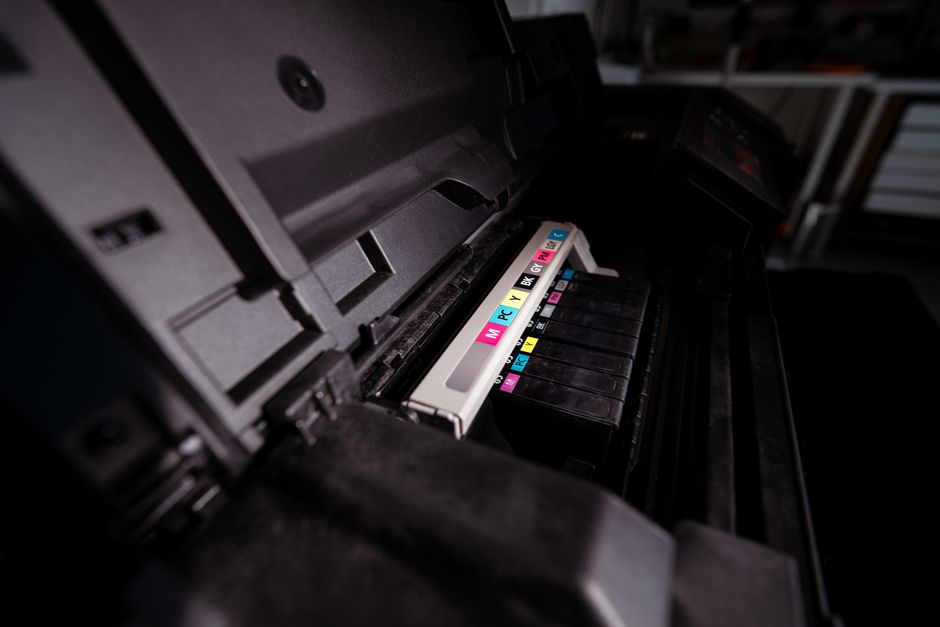
Ignoring Total Cost of Ownership (TCO): The most frequent mistake. A US$50 printer might seem like a steal in North America, but if its ink cartridges cost US$30 each and yield only 100 pages, your cost per page is astronomical. Always calculate the cost of a full set of replacement cartridges/toner and estimate how long they will last based on your printing habits. For many small businesses in Europe, where energy and supply costs can be higher, this calculation is even more critical.
Over-prioritizing Speed for Occasional Use: For high-volume offices, pages per minute (PPM) is a crucial spec. For you, printing 5 pages instead of 10 in a minute makes almost no difference. Don’t pay extra for speed you’ll never utilize. Focus on reliability and print quality instead.
Neglecting Connectivity: Assuming all printers ‘just work’ with your devices. Always check compatibility with your operating systems (Windows, macOS, Linux) and ensure the Wi-Fi setup is straightforward. If you’re managing multiple devices across different platforms, printer software that integrates well with your existing IT infrastructure, like Microsoft environments, is a plus.
Buying a Photo Printer for Document Use: While some photos might be printed, dedicated photo printers are optimized for image quality, often at the expense of text clarity and speed, and typically use more expensive, specialized inks. If your primary need is business documents, stick to general-purpose or business-focused printers.
Forgetting the Scanner: Sometimes, in the quest for a cheap printer, the scanner function is overlooked. Then, when an urgent document needs to be digitized for a client in South America or a supplier in Europe, you’re left scrambling. An all-in-one printer is almost always the smarter choice for a small business.
Your Beginner Guide to Passkeys and Passwordless Login: Ditching the Digital Dilemma
FAQ: Answering Your Printer Questions
What’s the best printer for a small business that prints only a few pages a week?
For minimal weekly printing, a monochrome laser printer is often the best choice for text documents due to its low running costs and toner that doesn’t dry out. If you need color occasionally, an ink tank inkjet printer provides low per-page costs without the worry of cartridges drying up.
Do printer ink cartridges really dry out if not used often?
Yes, traditional inkjet cartridges containing liquid ink can indeed dry out and clog print heads if left unused for extended periods. This is a significant issue for small businesses that barely print, leading to wasted ink and frustration. Laser printers, which use toner powder, do not suffer from this problem.
Is an ink tank printer worth the higher upfront cost for occasional use?
Absolutely, for occasional color printing, an ink tank printer (like an Epson EcoTank or Canon MegaTank) is highly recommended. While the initial purchase price is higher, the cost per page is drastically lower, and the large ink reservoirs last for thousands of pages and don’t dry out like traditional cartridges, saving significant money over time.
Can I print directly from my phone or tablet with most modern printers?
Yes, most modern printers, especially those with Wi-Fi connectivity, support mobile printing through manufacturer apps (e.g., HP Smart, Canon PRINT Inkjet/SELPHY) or universal protocols like Apple AirPrint or Mopria Print Service for Android. This allows for convenient wireless printing from smartphones and tablets.
What features are essential for a small business printer, beyond just printing?
For small businesses, an all-in-one (AIO) printer with scanning and copying capabilities is nearly essential. Wi-Fi connectivity for easy network access, and automatic duplex (two-sided) printing to save paper, are also highly valuable. Fax functionality is less crucial now but can be a bonus for specific niche businesses.
Choosing a printer when you barely print doesn’t have to be a headache. By focusing on total cost of ownership, understanding the fundamental differences between inkjet and laser, and prioritizing an all-in-one solution with smart connectivity, you can find a reliable device that serves your small business needs without breaking the bank or becoming a source of frustration. For more useful insights and technology guides to help your business thrive, be sure to Read more useful technology guides on Le Daily Post.