
To effectively organize important documents, both physical and digital, the key is a consistent system that categorizes by purpose and frequency of access. Start by gathering everything, then sort into ‘actionable,’ ‘archive,’ and ‘shred’ piles. For physical documents, use clearly labeled folders within a secure, accessible location. For digital files, implement a logical folder structure on cloud storage (like Google Drive or Dropbox) with consistent naming conventions. Regular review — quarterly or semi-annually — prevents clutter, ensuring you can quickly locate anything from your passport copy to your student loan statements, whether you’re in Berlin, New York, or Madrid.
We’ve all been there: that sudden, sinking feeling when you need a specific document right now, and you have absolutely no idea where it is. Maybe it’s a birth certificate for a visa application, a lease agreement for a new apartment, or proof of vaccination for travel. The clock is ticking, and you’re rummaging through old shoeboxes, overflowing drawers, or a chaotic desktop. This isn’t just frustrating; it can cause real stress, missed opportunities, and even financial penalties. The truth is, organizing important documents isn’t about being a minimalist guru; it’s about practical preparedness.
The goal isn’t perfection, but a reliable system that allows you to lay your hands on whatever you need, when you need it. For young workers and students, especially those navigating new cities or even continents — from the vibrant student halls of Berlin to the bustling offices of New York, or the sun-drenched campuses of Madrid — having a solid system to organize important documents is non-negotiable. It’s a core life skill that pays dividends whether you’re applying for your first credit card, registering for university, or navigating immigration paperwork.
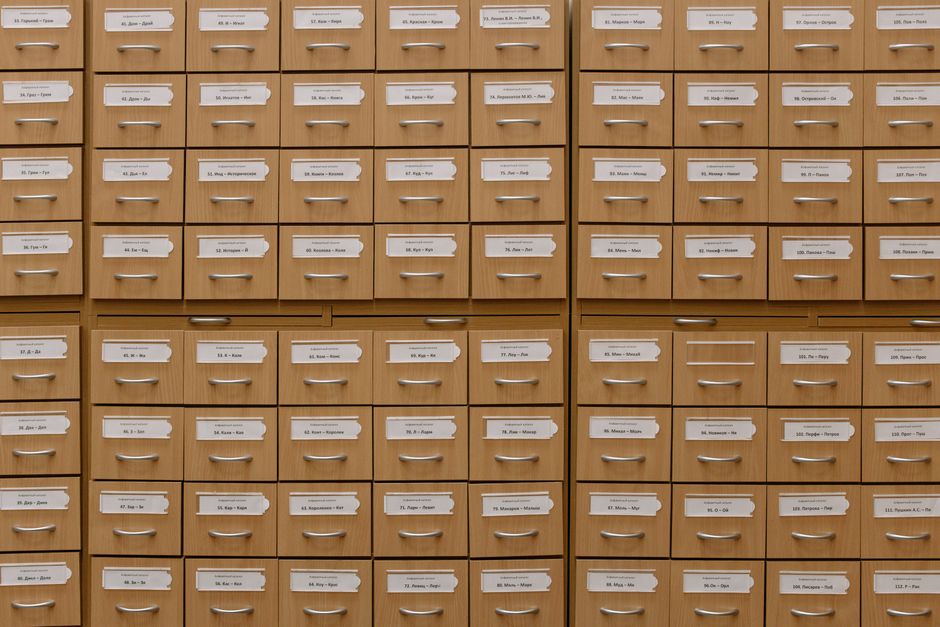
Setting Up Your Document Command Center: A Quick Overview
Before diving into the specifics, let’s lay out the fundamental principles for how to organize important documents effectively. Think of this as your manifesto for conquering paperwork.
- Declutter First: You can’t organize clutter. Be ruthless.
- Physical vs. Digital: Create separate but linked systems for each.
- Categorize Logically: Group documents by life area (e.g., ‘Finance,’ ‘Medical,’ ‘Housing’).
- Accessibility & Security: Balance easy access with solid protection.
- Consistency is Key: Use the same naming conventions and filing methods every time.
- Regular Review: Schedule periodic clean-ups to prevent overwhelm.
- Backup Everything Important: Redundancy is your friend.
Deep Dive: Practical Strategies That Actually Work
Let’s break down these principles into actionable steps, considering the unique challenges faced by young adults.
1. The Initial Purge: What to Keep, What to Shred, What to Digitize
This is where most people get stuck. The fear of throwing away something important is real. However, keeping everything leads to paralysis. Start by gathering all your documents, physical and digital, into one giant pile. Yes, even that utility bill from 2019. Now, sort them into three categories:
- Keep & File (Physical): Documents you absolutely need originals of. Think birth certificates, social security cards (or equivalent like NIE in Spain, SIN in Canada), passports, diplomas, car titles, home deeds (if applicable), marriage licenses, and sometimes, original signed contracts.
- Keep & Digitize (Physical, then Shred): Most statements, old bills, insurance policies (once updated), non-critical medical records, old tax returns (after 7 years for most in North America, check local regulations for Europe/South America like the UK’s 6 years), and instruction manuals. Scan these, verify the digital copy is clear, then shred the physical original.
- Shred Immediately: Junk mail, expired coupons, old receipts not needed for tax or returns, duplicate copies, and anything containing personal information that you no longer need. Invest in a cross-cut shredder. A simple strip-cut shredder isn’t enough for sensitive data.
Practical Caveat: Always check local laws regarding how long to keep tax documents. For instance, in many European countries like Germany, personal income tax records might be advised to be kept for 6-10 years, which differs from North American recommendations. When in doubt, err on the side of caution or consult a local tax professional.
2. Setting Up Your Physical Filing System
Even in a digital world, some documents require a physical home. A solid physical system complements your digital one.
Mastering Remote Work Boundaries That Work in Small Apartments
a. The ‘Master’ Box/Drawer for Vital Records
This is for the originals you absolutely cannot afford to lose. Think fireproof safe, safety deposit box, or a secure, lockable filing cabinet drawer. Contents should include:
- Passport / ID Cards
- Birth Certificate / Social Security Card (or equivalent)
- Original Diplomas / Transcripts
- Marriage/Divorce Certificates
- Vehicle Titles / Property Deeds
- Will / Power of Attorney (if you have one)
For students living away from home, especially those studying abroad in places like Europe, having copies of these vital records with parents or a trusted guardian can be a lifesaver if originals are lost or stolen.
b. The ‘Active’ Filing System for Everyday Access
This is your go-to for documents you might need throughout the year. A simple, two-drawer filing cabinet or even a set of sturdy plastic file boxes with hanging folders works well. Label folders clearly and consistently.
- Financial: Bank Statements, Credit Card Statements, Investment Statements, Loan Documents (student loans, car loans).
- Medical: Insurance Policy, Medical Bills, Prescription Records, Vaccination Records.
- Housing: Lease Agreements, Utility Bills, Rent Receipts, Renter’s Insurance.
- Employment/Education: Resumes, Offer Letters, Pay Stubs, Transcripts, Student Loan Info.
- Taxes: Current Year’s Tax Documents (W-2s, 1099s, receipts, etc.)
A common mistake: Over-categorizing. Start broad, and only create sub-categories if a folder becomes unwieldy. For example, ‘Medical’ is fine; you likely don’t need separate folders for ‘Dentist,’ ‘Eye Doctor,’ and ‘General Practitioner’ unless you have extensive records for each.
3. Conquering the Digital Deluge: Your Digital Filing System
This is where many young people live, and it can be just as messy as physical paper. A coherent digital strategy is crucial to organize important documents for modern life.
a. Cloud Storage is Your Best Friend
Services like Google Drive, Dropbox, Microsoft OneDrive, or Apple iCloud offer reliable, accessible, and often free (up to a certain storage limit) solutions. Choose one and stick with it. These services allow you to access your files from anywhere – your laptop in New York, your phone in Berlin, or a cybercafe in Rio de Janeiro – which is invaluable for travelers and remote workers. Ensure you use strong, unique passwords and two-factor authentication.
b. Consistent Folder Structure and Naming Conventions
This is the bedrock of digital organization. Mirror your physical system where possible.
- Top-Level Folders:
01_Financial,02_Medical,03_Housing,04_Employment_Education,05_Legal_Identity. (Using numbers helps them stay in order.) - Sub-Folders: Within
01_Financial, you might haveBank_Statements,Credit_Cards,Student_Loans,Tax_Documents. - Naming Files: Be descriptive and consistent. A good format is
YYYY-MM-DD_DocumentType_Specifics.pdf. For example:2023-08-15_BankStatement_ChaseChecking.pdfor2024-01-20_LeaseAgreement_Apt123.pdf. This makes searching incredibly easy.
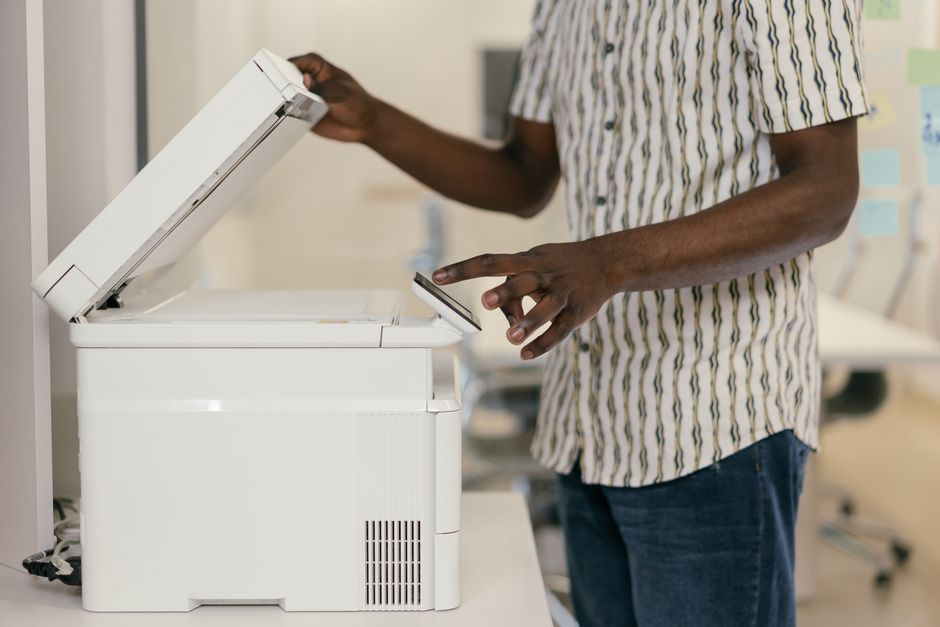
c. The Power of Scanning Apps and Document Scanners
For converting physical documents to digital, a good scanning app on your smartphone (like Adobe Scan or Apple Notes’ built-in scanner) is excellent for occasional use. For higher volumes, a dedicated document scanner can quickly digitize stacks of paper. This is especially useful for older students or those moving internationally who need to send official copies of documents (e.g., transcripts for university applications in Europe).
How to Make Friends After Moving to a New Country
4. Security and Backups: Protecting Your Assets
Organizing isn’t just about finding things; it’s about protecting them. Imagine your apartment in Berlin gets flooded, or your laptop in New York is stolen. What then?
- Physical Security: Fireproof safes, locked cabinets, or a bank safety deposit box for your most vital physical originals.
- Digital Security: Encrypted cloud storage, strong passwords, and two-factor authentication (2FA) are non-negotiable. For extremely sensitive documents, consider an encrypted external hard drive stored securely offline, in addition to cloud backups.
- Redundancy: Don’t rely on a single copy, especially for digital files. Have your primary digital copies in the cloud, and a secondary backup on an external drive. For photos and crucial memories, consider a third backup. This ‘3-2-1’ backup rule (3 copies, on 2 different media, with 1 offsite) is standard for a reason.
- Identity Theft Protection: Shred documents with personal info. Be wary of phishing emails. Never share sensitive information over unsecured networks.
5. The Maintenance Habit: Keep It Clean
The best system in the world fails without maintenance. This isn’t a one-time project; it’s an ongoing habit.
- Schedule Regular Reviews: Once a quarter, or at least twice a year, dedicate an hour to go through new mail, new digital files, and tidy up. For many, linking this to tax season or a birthday works well.
- Process Incoming Mail Immediately: When a piece of mail arrives, make a quick decision: action, file, or shred. Don’t let it sit on the counter. The same goes for downloaded statements.
- One In, One Out: When a new insurance policy arrives, shred the old one (after digitizing if needed). When you get a new bank statement, move the previous one to a ‘Historical’ folder or shred if its retention period is over.
FAQ: Your Quick Answers to Common Document Dilemmas
Q: How often should I review my important documents?
A: Ideally, you should review your important documents quarterly, but at minimum, twice a year. This prevents accumulation of unnecessary paper and ensures your information is up-to-date, making it easier to locate items quickly when emergencies or applications arise.
Q: Is it safe to keep all my documents digitally in the cloud?
A: For most documents, keeping digital copies in reputable cloud storage (like Google Drive or Dropbox) is safe, provided you use strong passwords and two-factor authentication. However, some extremely vital originals (e.g., birth certificates, passports) should always have a secure physical backup.
Q: What’s the best way to digitize old paper documents?
A: For occasional documents, a smartphone scanning app (like Adobe Scan or the built-in scanner in Apple Notes) works well. For large batches, consider investing in a dedicated document scanner. Ensure the scanned copies are clear, legible, and saved in a standard format like PDF.
Q: How long should I keep old bank statements or utility bills?
A: Generally, you can shred most bank statements and utility bills after one year, provided they’ve been reconciled and you don’t need them for tax purposes or proof of residence. Always keep tax-related documents for 3-7 years, depending on local regulations in places like Europe or North America.
Q: What if I lose a vital document like my passport while studying abroad?
A: If you lose a vital document like a passport while abroad (e.g., in Europe or South America), immediately contact your country’s embassy or consulate. Having digital copies and knowing where your physical backups are (e.g., with parents) will significantly speed up the replacement process.
Key Takeaways for a Stress-Free Document Life
Getting your paperwork in order might seem daunting, but it’s one of those foundational life administration tasks that genuinely improves your peace of mind. Remember, the goal is not to be a perfect filer, but to have a functional system. Start small, be consistent, and don’t try to organize everything in one day. Focus on establishing core habits: decluttering regularly, setting up logical physical and digital filing systems, and prioritizing security and backups.
By taking the time to organize important documents now, you’re investing in a future where you can confidently tackle new opportunities, from securing your next apartment in Madrid to applying for a postgraduate program in New York, without the added stress of a document scavenger hunt. This isn’t just about documents; it’s about empowering yourself to navigate life’s administrative hurdles with ease and confidence.
Ready for more practical advice to streamline your life? Read more practical lifestyle guides on Le Daily Post.