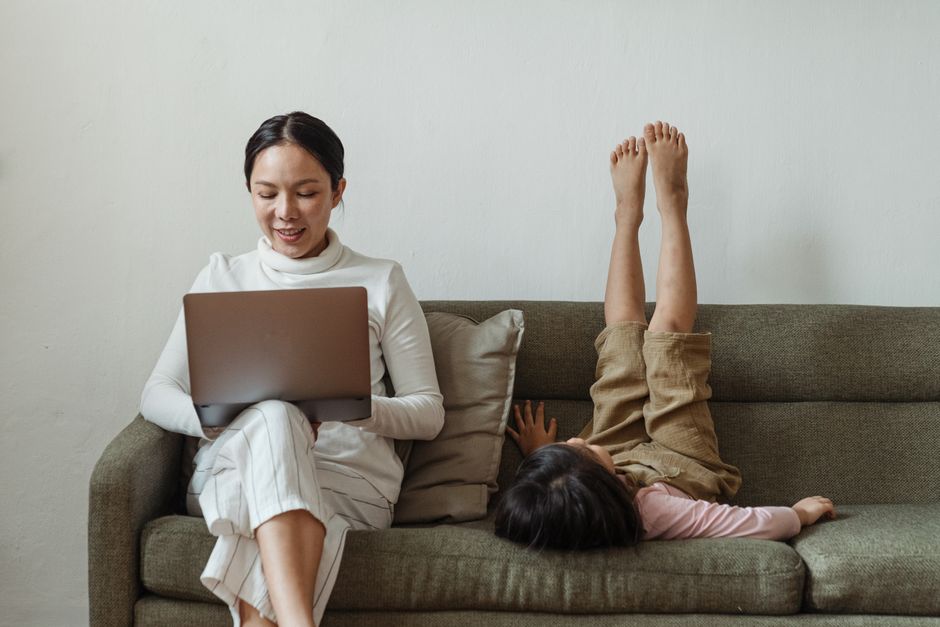
As parents, we’re constantly balancing a complex equation: family responsibilities, household management, and often, demanding digital work. The computer screen isn’t just a tool; it’s often our primary connection to our jobs, our children’s schools, and even our social lives. This means significant screen time, which, while necessary, can lead to a pervasive problem: screen fatigue. It’s that nagging headache, the dry, gritty eyes, or the general feeling of exhaustion that settles in after hours spent staring at a glowing rectangle.
For many, the idea of ‘quitting digital work’ is simply not an option. Whether you’re a freelance designer in Berlin, a software developer in São Paulo, or a marketing manager in Toronto, your livelihood depends on your digital presence. So, how do you navigate this modern dilemma? The key isn’t to ditch screens entirely, but to adopt a smarter, more intentional approach to your digital life to effectively reduce screen fatigue.
This article will guide you through practical, real-world strategies to mitigate the effects of prolonged screen use, ensuring you can maintain your productivity, protect your vision, and feel better at the end of a long digital day. We’ll explore techniques that address the root causes of eye strain and fatigue, making your digital work more sustainable for the long haul.
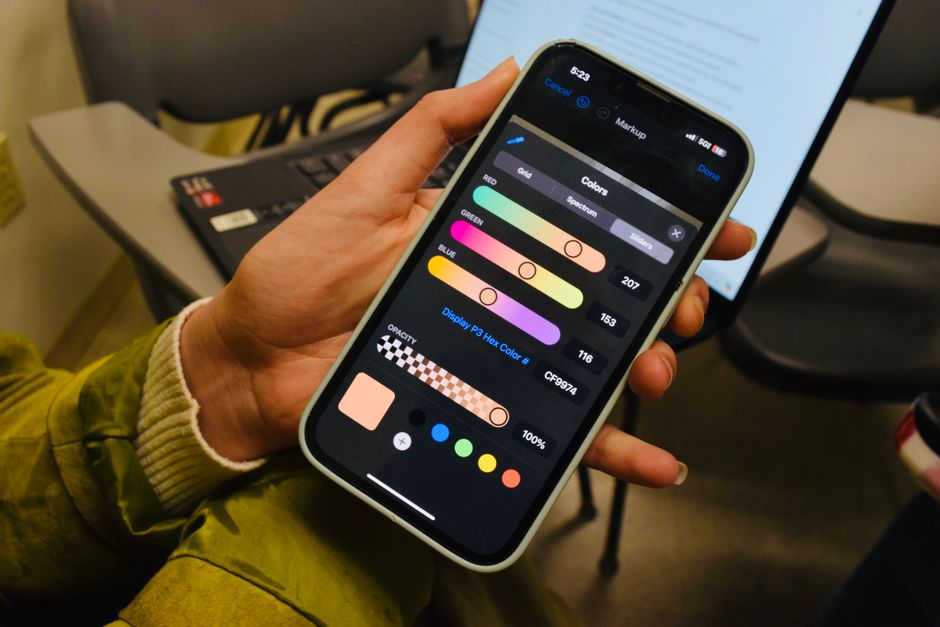
Image Caption: A parent working on a laptop at home, looking away from the screen, demonstrating a mindful break from digital work.
Understanding Screen Fatigue: More Than Just Tired Eyes
Before we dive into solutions, let’s clarify what screen fatigue—often called digital eye strain or Computer Vision Syndrome (CVS)—actually is. It’s a collection of eye and vision-related problems that result from prolonged computer, tablet, e-reader, and smartphone use. It’s not just about blurry vision or dry eyes; it can manifest as headaches, neck and shoulder pain, and even difficulty concentrating. The World Health Organization (WHO) and similar health bodies don’t specifically delineate ‘screen fatigue’ as a medical diagnosis, but they emphasize the importance of ergonomic setups and eye health in digital environments.
A common mistake is to attribute all discomfort solely to the screen itself. In reality, it’s often a combination of factors: poor lighting, glare, improper viewing distances, uncorrected vision problems, and a lack of breaks. For parents, this is compounded by the mental load of managing a household and potentially supervising children’s own screen time, adding another layer of cognitive fatigue that can exacerbate physical symptoms.
The Science Behind Digital Eye Strain
When you stare at a screen, you tend to blink less frequently—sometimes by as much as 50%. This reduced blinking leads to dry eyes, as your tear film isn’t replenished adequately. Furthermore, the constant focusing and refocusing required to read digital text, which often has less defined edges than print, strains the tiny muscles within your eyes. Combine this with the blue light emitted by screens, which some studies suggest can disrupt sleep patterns and potentially contribute to retinal damage over time, and you have a recipe for fatigue.
The NHS in the UK, for instance, advises regular eye tests and emphasizes the importance of good posture and screen distance to prevent digital eye strain, rather than focusing solely on blue light filtering, which has mixed scientific evidence regarding its broad benefits.
Practical Strategies to Reduce Screen Fatigue Without Quitting Digital Work
Here’s where we get into the actionable advice. These aren’t just theoretical concepts; these are strategies you can implement starting today, whether you’re working remotely in Europe, balancing duties in North America, or managing a home office in South America.
Deciding What to Know About Heat Waves and Urban Health: A Practical Guide
1. Implement the 20-20-20 Rule Religiously
This is perhaps the most well-known and effective tip for reducing screen fatigue. Every 20 minutes, look at something 20 feet away for at least 20 seconds. It sounds simple, but it’s incredibly powerful. For a parent, this might mean looking out the window at the neighbor’s tree, watching your child play in the next room, or even just focusing on a distant wall. This simple act gives your eye muscles a much-needed break from the intense close-up focus required by screens.
- In practice: Set a timer on your phone (a gentle chime, not an alarming buzz) to remind you. Many apps exist for this purpose, like Eye Care 20 20 20, which can run in the background.
- Parenting twist: Use these 20-second breaks to briefly engage with your child, even if it’s just a quick smile or a reassuring word. It breaks up your screen time and reconnects you to your family.
2. Optimize Your Workspace for Eye Comfort
Your physical environment plays a huge role in how quickly screen fatigue sets in. A well-organized, ergonomically sound workspace can make a significant difference.
- Lighting: Avoid working in a dimly lit room with a bright screen, or directly under harsh overhead lights. Position your screen to avoid glare from windows or strong light sources. Many experts recommend ambient lighting that is about half as bright as the typical office. If you’re in a sunny region like parts of Brazil or Spain, consider good quality blinds or curtains to control natural light.
- Screen Position: Your monitor should be about an arm’s length away (20-28 inches or 50-70 cm) and the top of the screen should be at or slightly below eye level. This prevents neck strain and keeps your eyes in a comfortable downward gaze.
- Text Size and Contrast: Don’t strain to read tiny text. Adjust your computer’s display settings to a comfortable text size and ensure good contrast between text and background. Black text on a white or slightly off-white background is generally easiest on the eyes.
- Anti-Glare Filters: If glare is a persistent issue, consider an anti-glare screen filter for your monitor. They are widely available and can be a cost-effective solution.
3. Master Your Screen Settings and Digital Habits
Beyond the physical setup, how you interact with your device settings can dramatically impact eye comfort.
Brightness and Contrast: Adjust your screen’s brightness to match the light levels in your room. A good rule of thumb is that the white on your screen should look like a piece of paper in your workspace. Too bright is as bad as too dim.
Blue Light Filters: While the long-term effects of blue light are still debated, many find that reducing blue light in the evening helps with sleep hygiene and reduces perceived eye strain. Most operating systems (Windows Night Light, macOS Night Shift, Android Night Light, iOS True Tone/Night Shift) have built-in blue light filters. F.lux is a popular third-party application that automatically adjusts your screen’s color temperature based on the time of day and your location.
Blink More Often: Consciously try to blink more frequently. It sounds silly, but it can make a big difference in preventing dry eyes. If dry eyes are severe, over-the-counter lubricating eye drops can provide relief. Always consult a healthcare professional, like an optometrist, if symptoms persist.
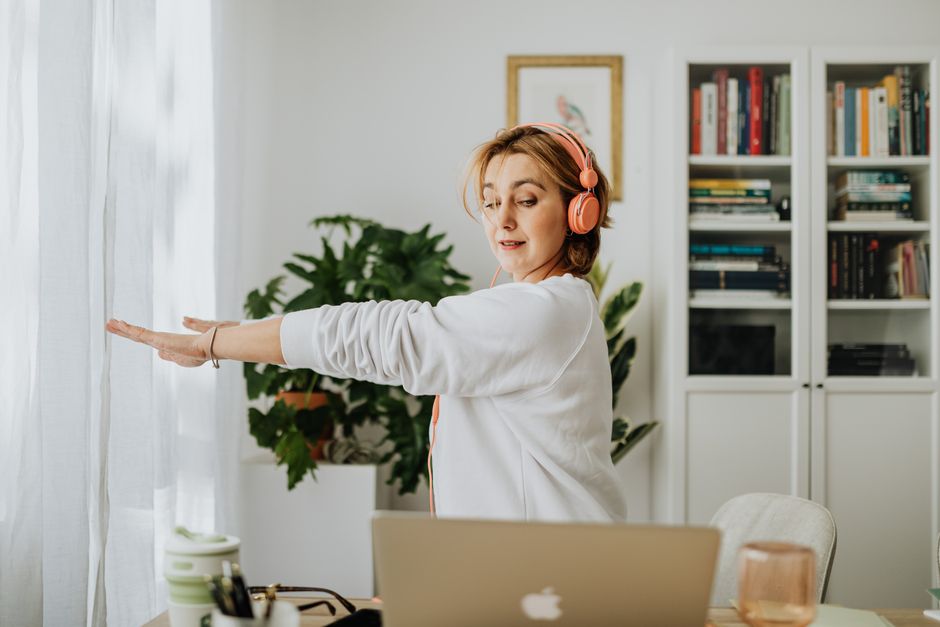
Image Caption: A close-up of a person using a computer, demonstrating the importance of screen settings like brightness and blue light filters for eye comfort.
4. Integrate Movement and Physical Breaks
Reducing screen fatigue isn’t just about your eyes; it’s about your whole body. Stagnant postures contribute to overall fatigue and can exacerbate eye strain by affecting blood flow and muscle tension.
How to Stay Healthy While Traveling Across Different Climates
- Regular Movement: Stand up and stretch every hour. Walk to get a glass of water, step outside for a few minutes, or do a quick set of desk stretches. For parents, this might mean chasing a toddler around the house for a few minutes, or doing a quick chore that requires movement.
- Mini Eye Exercises: Beyond the 20-20-20 rule, try some simple eye exercises. Roll your eyes in a circle, look side to side, and gently massage your temples. These can help relax the muscles around your eyes.
- The Power of Napping: If your schedule allows, a short 20-30 minute power nap can reset your focus and significantly reduce overall fatigue, including eye strain. This is often easier said than done for parents, but even a few minutes of closed-eye rest can help.
5. Prioritize Sleep Hygiene
Good sleep hygiene is fundamental to combating any form of fatigue, including screen-related exhaustion. The WHO emphasizes adequate sleep as a cornerstone of health, and the NHS provides extensive guidance on improving sleep habits. For parents, this is often a constant battle, but even small improvements can yield big results.
- No Screens Before Bed: Aim to put away all screens (phones, tablets, laptops, TVs) at least an hour before you plan to sleep. The blue light and mental stimulation can interfere with melatonin production and make it harder to fall asleep.
- Consistent Sleep Schedule: Try to go to bed and wake up at roughly the same time each day, even on weekends. This helps regulate your body’s natural sleep-wake cycle.
- Dark, Quiet, Cool Bedroom: Ensure your sleeping environment is conducive to rest. Block out light, minimize noise, and keep the room at a comfortable temperature.
For Parents: Balancing Your Digital Needs with Family Life
As parents, our digital lives often extend beyond work. We use screens for communication, education, and even entertainment for our children. It’s about setting boundaries, not just for ourselves but for the whole family.
- Model Healthy Habits: Your children observe your screen habits. By taking breaks, setting boundaries, and prioritizing off-screen activities, you’re teaching them valuable lessons about digital wellness.
- Designate Screen-Free Zones/Times: Establish rules like ‘no phones at the dinner table’ or ‘no screens after 8 PM in bedrooms.’ This creates shared spaces and times for family connection that are free from digital distractions. This is particularly common in family-focused cultures across South America and parts of Europe, where shared meals are paramount.
- Communicate Your Needs: Explain to your family why you need to take breaks or adjust your work setup. Involve older children in understanding the importance of eye health and digital well-being.
FAQ: Answering Your Questions About Reducing Screen Fatigue
What is the 20-20-20 rule for eye strain?
The 20-20-20 rule is a simple guideline to reduce eye strain: every 20 minutes, look away from your screen at an object 20 feet (about 6 meters) away for at least 20 seconds. This helps relax the focusing muscles in your eyes and reduces dryness by encouraging blinking, making it easier to reduce screen fatigue.
Can blue light glasses really reduce screen fatigue?
The effectiveness of blue light blocking glasses in reducing screen fatigue is still a topic of ongoing research. While some users report subjective benefits, scientific evidence is mixed. Many experts suggest that optimizing screen brightness, taking frequent breaks, and addressing glare are more definitively effective strategies for reducing digital eye strain.
How can I reduce screen fatigue during long workdays?
For long workdays, combine multiple strategies: strictly adhere to the 20-20-20 rule, ensure your workspace has optimal lighting and ergonomics, adjust your screen’s brightness and text size, and take short physical breaks every hour. Consciously blinking more often and using lubricating eye drops can also help manage dryness and effectively reduce screen fatigue.
Does screen fatigue get worse with age?
Yes, screen fatigue can become more pronounced with age. As people age, the natural lens of the eye becomes less flexible, making it harder to focus on close objects (a condition called presbyopia). This often necessitates reading glasses or progressive lenses, and can exacerbate digital eye strain, making it even more important to proactively reduce screen fatigue.
What role does sleep hygiene play in preventing screen fatigue?
Good sleep hygiene is crucial in preventing and recovering from screen fatigue. Adequate, restful sleep allows your eyes and brain to recover from the demands of digital work. Poor sleep can amplify symptoms like headaches, dry eyes, and difficulty concentrating, making it harder to cope with screen exposure and reduce screen fatigue effectively.
Are there specific foods or nutrients that help with eye health to reduce screen fatigue?
While no specific food immediately cures screen fatigue, a diet rich in omega-3 fatty acids (found in fish like salmon), vitamins A, C, E, and zinc (found in leafy greens, citrus, nuts) supports overall eye health. These nutrients are vital for maintaining good vision and can contribute to the long-term resilience of your eyes, indirectly helping to reduce screen fatigue.
Conclusion: A Smarter, Healthier Digital Life is Possible
Learning to reduce screen fatigue without quitting digital work isn’t about finding a magic bullet; it’s about adopting a holistic and intentional approach to your digital habits and environment. For parents, who often juggle more screen time than most, these strategies are not just about personal comfort but about setting a sustainable example for your family. By consistently applying techniques like the 20-20-20 rule, optimizing your workspace, and prioritizing sleep hygiene, you can significantly mitigate the negative effects of prolonged screen use. Embrace these smarter choices, and you’ll find yourself more productive, more comfortable, and with more energy for the important moments with your loved ones. Read more health and wellness guides on Le Daily Post.