Practical AI PCs and AI Phones are consumer devices equipped with dedicated neural processing units (NPUs) or advanced AI accelerators, designed to efficiently run artificial intelligence tasks directly on the device, rather than relying solely on cloud processing. This means faster performance for AI-driven features like real-time language translation, advanced photo editing, enhanced security, and smart search, often with improved privacy and lower power consumption. For users, it translates to more responsive, intelligent experiences without constant internet reliance, making everyday tasks smoother and more personalized.
Walk into any electronics store today, whether in a bustling European city, a mall in North America, or a tech hub in South America, and you’ll quickly notice a new buzzword plastered everywhere: ‘AI PC’ or ‘AI Phone.’ It’s not just a subtle upgrade; companies like Intel, Qualcomm, Microsoft, and Google are making a significant push, framing this as the next big shift in personal computing and mobile technology. But what does this really mean for you, the person looking to buy a new laptop or smartphone?
For years, ‘AI’ in our devices largely meant cloud-based processing. Think Google Assistant understanding your voice commands or Samsung’s Bixby translating text – the heavy lifting happened on distant servers. Now, the industry is shifting that processing power directly onto your device. This isn’t just a marketing ploy; it’s a fundamental architectural change that promises more efficient, private, and responsive AI experiences right in your hand or on your desk.
Understanding these new labels is crucial because they point to genuine changes in how your devices will perform and what they’re capable of doing independently. It’s about bringing the smarts closer to you, enabling a new generation of features that simply weren’t practical before.
Deciphering the ‘AI PC’ and ‘AI Phone’ Jargon
At its core, the ‘AI PC’ and ‘AI Phone’ labels signify devices built with specialized hardware to handle artificial intelligence tasks locally. The key component driving this shift is the Neural Processing Unit (NPU).
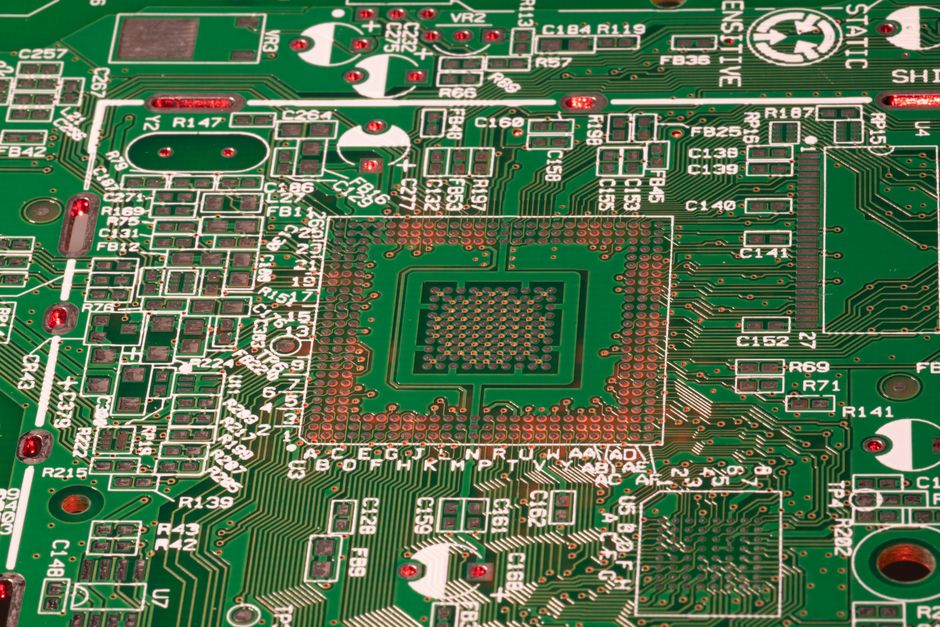
NPUs are like miniature, hyper-efficient brains designed specifically for AI workloads. While traditional CPUs (Central Processing Units) and GPUs (Graphics Processing Units) can also perform AI tasks, NPUs do so with much greater energy efficiency and often at higher speeds for specific types of calculations relevant to AI, such as machine learning inferencing. This means your device can run complex AI algorithms without draining your battery in minutes or requiring a constant, fast internet connection.
For example, an AI PC equipped with an Intel Core Ultra processor or an AI Phone featuring a Qualcomm Snapdragon 8 Gen 3 chip isn’t just faster at general computing; it’s specifically optimized for tasks like real-time background blurring in video calls, generating images from text prompts, or performing advanced voice recognition with minimal lag. The benefits extend to privacy too, as your data can be processed on-device rather than being sent to the cloud.
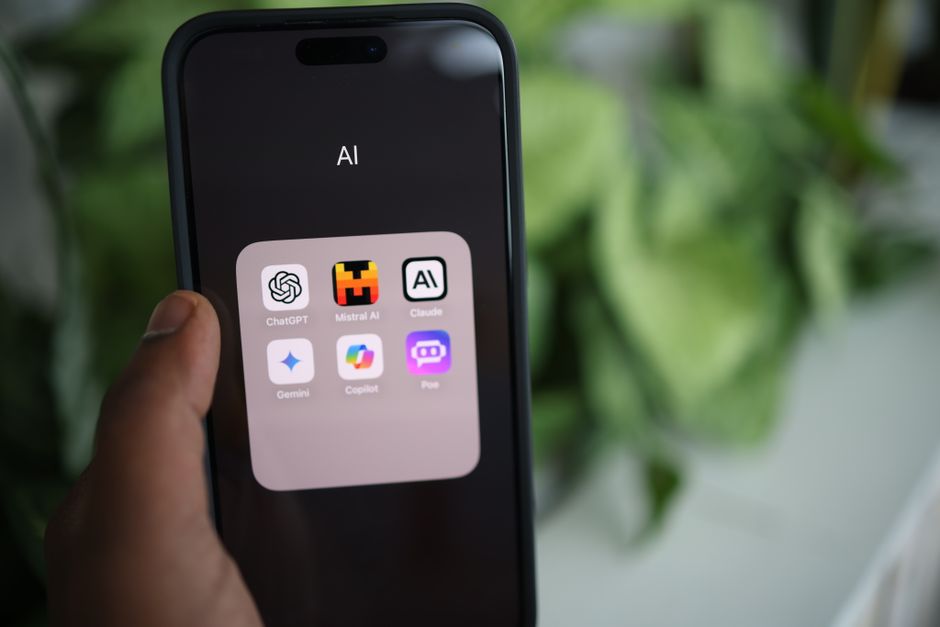
Practical AI PCs and Phones: What New Labels Actually Mean for Your Everyday Life
1. Faster, More Responsive AI Features
With an NPU, your device can execute AI tasks much quicker. This translates to near-instantaneous AI features. Imagine live transcription of meetings with perfect accuracy, real-time language translation during a video call, or smart search functions that find specific details in your documents and photos without a noticeable delay. For students, this means faster research assistance or more efficient organization of notes.
2. Enhanced Privacy and Security
When AI processing happens on your device, your sensitive data doesn’t need to leave it. This is a significant privacy improvement. Features like facial recognition, biometric authentication, and personalized content recommendations can be managed locally, reducing the risk of data breaches or unwanted data collection by cloud services. For many users, particularly those in regions with strict data protection laws like Europe’s GDPR, this on-device processing offers a tangible benefit.
Smart Rings vs Smartwatches: Which Makes More Sense for Your Family?
3. Better Battery Life for AI Tasks
NPUs are designed for efficiency. Running AI algorithms on a dedicated NPU consumes significantly less power than doing the same task on a general-purpose CPU or GPU. This means you can use AI-powered features like advanced camera enhancements or background noise cancellation for longer periods without constantly searching for a USB-C charger. This is particularly valuable for mobile users who need their phones to last through a full day of classes or work.
4. Offline AI Capabilities
One of the most exciting aspects is the ability to use AI features without an internet connection. Need to translate text in a remote area without Wi-Fi? An AI Phone can do it. Want to enhance a photo using AI filters while flying over the Atlantic? Your AI PC can handle it. This expands the utility of your devices significantly, making them truly smart companions even when you’re off the grid.
5. New Software Experiences and App Development
The presence of NPUs encourages developers to create new applications and integrate more sophisticated AI features directly into existing software. Microsoft, for instance, is pushing its Copilot AI assistant across Windows 11, leveraging NPUs for features that would be slow or impossible on older hardware. This leads to a richer software ecosystem tailored for these new capabilities, from creative tools to productivity apps. Expect to see a surge in apps that can do things like intelligent summarization of long texts or generating code snippets based on natural language prompts.
6. Future-Proofing Your Device
While today’s AI features might seem niche to some, the trend is clear: AI integration will become pervasive. Investing in a device with dedicated AI hardware means your PC or phone will be better equipped to handle future software updates and applications that increasingly rely on on-device AI. Just as GPUs became essential for modern gaming and graphic design, NPUs are becoming fundamental for the next generation of intelligent computing.
Comparing AI Capabilities: What to Look For
When you’re considering a new device, understanding the landscape of AI hardware can feel a bit like trying to navigate a new city without a map. Here’s a quick overview of what to look for and how different platforms stack up:
| Platform/Brand | Key AI Hardware | Typical Performance/Features | Considerations for Students |
|---|---|---|---|
| Intel AI PCs (e.g., Core Ultra) | Integrated NPU (Intel AI Boost) | Efficient for Windows Studio Effects (blur, eye contact), local generative AI, Copilot integration. Good for general productivity and light creative tasks. | Strong for multitasking, video conferencing for remote learning, and running demanding academic software. Common in a wide range of laptops. |
| Qualcomm Snapdragon X Elite/Plus PCs | Powerful Hexagon NPU | Designed for leading AI performance, long battery life, advanced on-device generative AI, and real-time transcription/translation. Emphasis on efficiency. | Exceptional battery life for long study sessions. Ideal for users prioritizing portability and AI-centric workflows, especially with Windows on ARM optimization. |
| Apple Mac (e.g., M-series chips) | Neural Engine | Excellent for creative AI tasks (video editing, photo enhancement), machine learning development, and system-wide intelligent features (Spotlight, Siri). | solid performance for creative majors. Strong ecosystem for productivity and media. Generally good battery life. |
| Samsung Galaxy S24 Ultra / Google Pixel 8 Pro | Snapdragon 8 Gen 3 (Samsung) / Tensor G3 (Google) | On-device generative AI (Circle to Search, Magic Editor, Call Assist), enhanced camera processing, real-time translation. Focus on user experience. | Perfect for on-the-go AI assistance, quick note-taking, sophisticated photo editing for presentations, and solid communication tools. |
It’s worth noting that while all these platforms offer impressive AI capabilities, the actual performance can vary. A powerful NPU in a Google Pixel 8 Pro, for instance, might excel at live language translation, while an Intel Core Ultra NPU might be better optimized for real-time video effects during a Zoom call on your laptop. The key is to match the device’s AI strengths with your primary use cases.
Common Mistakes to Avoid When Buying an AI PC or AI Phone
With any new technology wave, there’s always a risk of misunderstanding or making an unsuited purchase. Here are a few pitfalls to sidestep when considering these new AI-powered devices:
Don’t assume all ‘AI’ is the same: Just because a device mentions ‘AI’ doesn’t mean it has a dedicated NPU or delivers significant on-device AI capabilities. Many older devices offer cloud-based AI. Always look for specific mention of an NPU, Neural Engine, or AI Accelerator in the chip specifications (e.g., Intel Core Ultra, Snapdragon X, Apple M-series, Google Tensor).
Don’t overpay for features you won’t use: While AI PCs and AI Phones are exciting, consider your actual usage. If your primary tasks are browsing, email, and basic document creation, a high-end AI NPU might be overkill right now. The biggest benefits are seen by users who regularly engage with creative tasks, advanced productivity features, or privacy-sensitive applications. For most students, the mid-range AI devices will offer a good balance of performance and value.
Don’t Let App Subscriptions Bleed Your Budget Dry: A Small Business Owner’s Guide
Don’t neglect software ecosystem: Hardware is only half the story. The AI capabilities are realized through software. Check which applications are leveraging the NPU on your desired platform. For example, if you’re heavily invested in Google’s ecosystem, a Pixel phone might offer a more cohesive AI experience with features like Circle to Search. If you’re a Windows user, Microsoft’s Copilot integration on new AI PCs will be a major factor.
Don’t ignore connectivity: Even with powerful on-device AI, a good internet connection is still vital for many tasks, especially for accessing training data for certain generative AI models or for general web browsing and cloud services. Ensure your device has solid Wi-Fi capabilities and, for phones, reliable 5G support, especially if you’re in areas with developing infrastructure like parts of South America.
Don’t forget the basics: A device with a great NPU but poor battery life, a dim screen, or an uncomfortable keyboard is still a poor device. Ensure the fundamental aspects of the PC or phone meet your expectations, regardless of its AI prowess. Practicality still works best for everyday tools.
Frequently Asked Questions About Practical AI PCs and AI Phones
What makes an AI PC or AI Phone different from a regular PC or phone?
The primary difference is the inclusion of a dedicated Neural Processing Unit (NPU). This specialized hardware accelerates AI tasks directly on the device, leading to faster performance, better energy efficiency, and enhanced privacy for AI-driven features compared to devices that rely solely on cloud processing or general-purpose CPUs/GPUs for AI.
Do I really need an AI PC or AI Phone right now?
Whether you ‘need’ one depends on your specific use. If you frequently use features like advanced photo editing, real-time language translation, smart summarization, or demanding video conferencing tools, an AI PC or AI Phone will offer a noticeably better experience. For basic computing or casual phone use, an older device might still suffice, but you’ll miss out on new, efficient AI capabilities.
What kind of AI tasks can these devices perform on-device?
On-device AI tasks include real-time background blurring during video calls, advanced image and video enhancement, live language translation and transcription, noise cancellation, local generative AI for text or image creation, and improved facial recognition for security. These tasks benefit greatly from the NPU’s efficiency.
How does on-device AI improve privacy?
By processing sensitive data locally on the device with its NPU, the information doesn’t need to be sent to remote cloud servers. This significantly reduces the risk of your personal data being intercepted, stored, or misused by third parties, giving you greater control and peace of mind over your privacy, especially for biometric data and personal communications.
Will existing apps automatically use the NPU on my new AI device?
Not necessarily. While some system-level features will automatically leverage the NPU, developers need to update their applications to specifically utilize the NPU’s capabilities. Major software providers like Google, Samsung, and Microsoft are actively optimizing their apps, and many third-party developers are following suit, but it won’t be universal overnight.
Is USB-C important for AI PCs and AI Phones?
Yes, USB-C is critical for modern AI PCs and AI Phones. It’s the standard for fast charging, high-speed data transfer (essential for moving large AI model files or data sets), and connecting to external displays or peripherals. The universal adoption of USB-C, especially across Europe and increasingly in other markets, ensures broad compatibility and convenience for charging and accessories, regardless of your device’s AI capabilities.
The ‘AI PC’ and ‘AI Phone’ labels mark a genuine evolution in personal technology, moving beyond cloud-centric AI to bring intelligent processing directly to your hands. Understanding what these labels mean for hardware and everyday use will help you make smarter purchasing decisions and truly leverage the next generation of smart devices. To continue exploring the exciting world of tech, read more useful technology guides on Le Daily Post.