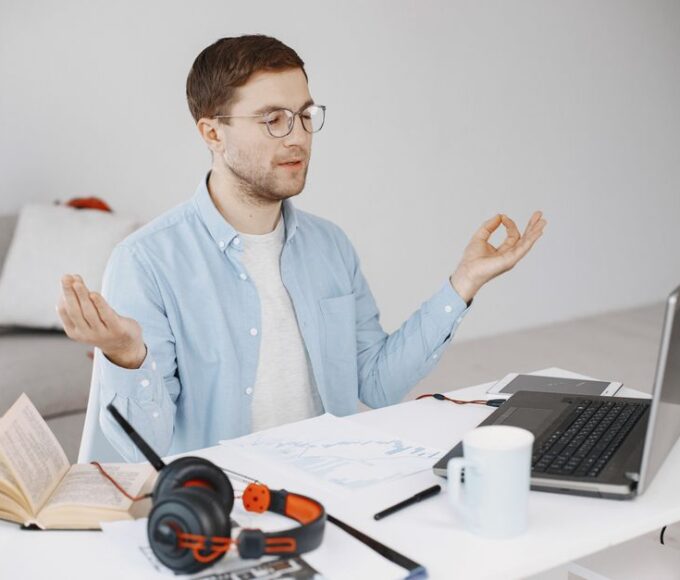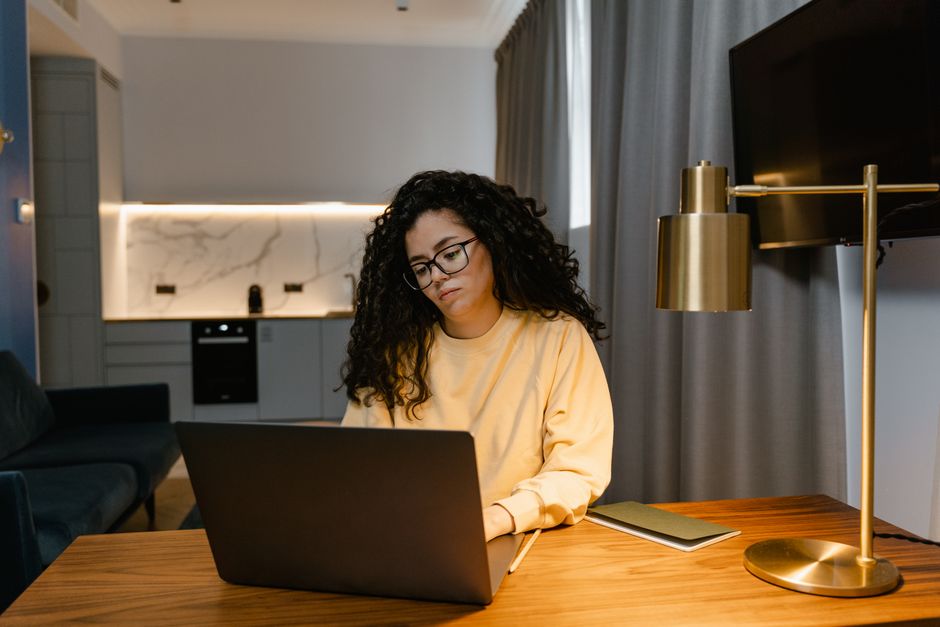
The global shift towards remote work has brought unprecedented flexibility, but it’s also presented new challenges. For many, the ‘home office’ isn’t a dedicated room but a corner of a kitchen table, a spot on the sofa, or even a converted closet. This reality, particularly prevalent for digital nomads or those in urban apartments in Europe, North America, or South America, often means compromising on ideal ergonomic setups. The result? Aches, stiffness, and sometimes persistent back pain that can significantly impact productivity and overall quality of life.
It’s easy to dismiss a twinge as ‘just part of working from home,’ but these small signals can escalate into chronic issues if ignored. Proactive steps, even small ones, can make a monumental difference. Think of it less as an inconvenience and more as an investment in your physical well-being, allowing you to sustain your remote career comfortably and healthily for years to come.
The Unexpected Ergonomic Challenge of Compact Workspaces
When you picture an ergonomic workspace, you likely envision a spacious office with adjustable desks, high-end chairs, and multiple monitors. The reality for many remote workers, however, is a far cry from this ideal. Whether you’re in a tiny studio apartment in Paris, a compact co-working space in Bogotá, or a shared Airbnb in New York, the principles of good posture and back health remain paramount. The challenge isn’t just about finding space; it’s about creatively adapting standard ergonomic advice to non-standard environments.
For instance, an ideal setup suggests your feet should be flat on the floor, your knees at a 90-degree angle, and your screen at eye level. This is straightforward in a dedicated office but becomes a puzzle when your ‘desk’ is a coffee table or a countertop. The key isn’t to replicate a corporate office exactly, but to understand the underlying physiological reasons behind these recommendations and find clever workarounds that keep your back healthy when working from small spaces.
Practical Strategies to Keep Your Back Healthy When Working From Small Spaces
- Optimize Your Seating, Whatever It Is
- Master Screen and Keyboard Placement
Even if you don’t have an ergonomic chair, you can improve what you have. If you’re using a dining chair, consider adding a firm cushion for height or a rolled towel for lumbar support. The goal is to support the natural curve of your lower back. For instance, the NHS often recommends maintaining an S-shape in your spine. Simple lumbar cushions, like those from Purple or TEMPUR-PEDIC, can be a worthwhile, portable investment if you travel frequently between different small spaces.
Your screen should be at arm’s length, with the top third of the screen roughly at eye level. This prevents neck strain, which often cascades into back pain. If you’re using a laptop, a stack of books or a portable laptop stand (like those from Roost or Nexstand, popular among digital nomads in Europe) can improve it. You’ll then need an external keyboard and mouse to avoid reaching and hunching. This simple separation is a practical advantage for many.
Integrate Regular Movement Breaks
Sitting for extended periods, even in a perfect ergonomic setup, is detrimental. Set a timer to remind yourself to stand up, stretch, and walk around every 30-60 minutes. A quick walk around your small apartment, a few stretches, or even just shifting your weight can interrupt the static load on your spine. This is a crucial habit regardless of your workspace size and directly supports back health remote work small space setups.
Mental Health for Remote Workers: Practical Habits That Reduce Burnout
Explore Portable Standing Desk Solutions
If feasible, incorporate periods of standing work. This doesn’t require a full-sized standing desk. Many portable risers, like the Varidesk Cube Corner 36, can convert any surface into a standing workstation. Even using a kitchen counter or a tall dresser for 15-20 minutes at a time can break up long sitting periods and promote better circulation.
Mind Your Posture Actively
It’s easy to slouch, especially when engrossed in work. Periodically check in with your body. Are your shoulders relaxed? Is your core gently engaged? Are your feet flat on the floor or a footrest? Awareness is the first step. Apps like Posture Reminder can gently nudge you to correct your position throughout the day, reinforcing good habits.
Optimize Lighting and Environment
Good lighting reduces eye strain, which can lead to leaning forward and poor posture. Ensure your screen brightness matches your ambient light. While not directly about back health, a comfortable and well-lit environment reduces the subtle stresses that can lead to compensatory postures and discomfort.
Comparing Small Space Ergonomic Solutions
Choosing the right tools for your compact workspace often involves trade-offs between cost, portability, and functionality. Here’s a quick comparison of popular options:
| Solution Type | Pros | Cons | Typical Cost (USD) |
|---|---|---|---|
| Laptop Stand + External Keyboard/Mouse | Highly portable, relatively inexpensive, significantly improves screen height. | Still requires a surface to place it on; not a full standing solution. | $40 – $150 |
| Portable Standing Desk Converter | Transforms any desk into a sit/stand option, good for varied postures. | Can be bulky for very small spaces, heavier than laptop stands. | $100 – $300 |
| Lumbar Support Cushion | Very portable, instantly improves chair ergonomics, inexpensive. | Doesn’t address screen height or full body posture on its own. | $20 – $70 |
| Ergonomic Travel Chair (e.g., portable kneeling chair) | Provides excellent posture support, can be folded. | Often more expensive, still requires a surface for laptop; may not suit all body types. | $150 – $400 |
Common Mistakes to Avoid That Undermine Back Health
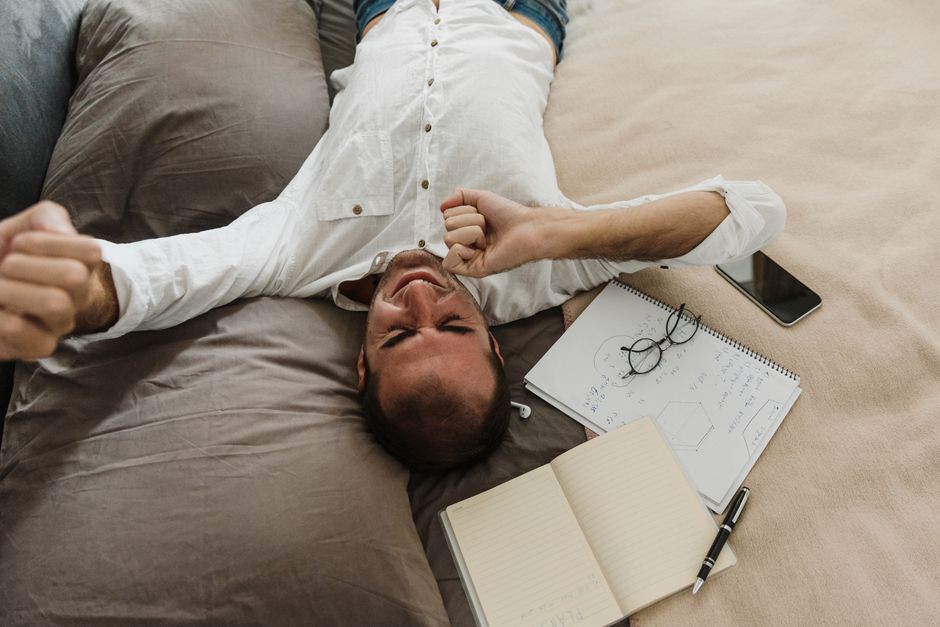
Even with good intentions, many remote workers fall into common traps that exacerbate back issues. A primary mistake is neglecting the impact of your bed and sleep hygiene. Poor sleep posture or an old mattress can undermine all the good work you do during the day. Ensure your mattress provides adequate support – a firm mattress is often recommended, but personal preference is key. Consider a memory foam topper if your current mattress is too soft. The link between sleep and back health remote work small space isn’t always obvious but it’s undeniable.
Another pitfall is underestimating the psychological toll of remote work in small spaces. Mental health and physical health are inextricably linked. Stress, anxiety, and feelings of isolation can manifest as physical tension, often in the neck and shoulders, leading to back pain. Incorporating mindfulness, regular breaks for social interaction (even virtual ones), and distinguishing between ‘work mode’ and ‘off-duty’ are critical. If you find yourself consistently feeling overwhelmed, seeking support from mental health professionals is a sign of strength, not weakness.
Furthermore, many neglect stretching and strengthening exercises. While moving around is good, targeted exercises to strengthen core muscles and stretch tight hamstrings or hip flexors are vital. Simple exercises like cat-cow stretches, child’s pose, and gentle twists can be done in even the smallest of rooms. YouTube channels abound with short, effective routines for remote workers.
Fitness Apps vs. Wearables: Which Helps People Build Better Habits?
Finally, a common mistake is pushing through pain. If you experience persistent discomfort, don’t ignore it. Consulting a healthcare professional, such as a physiotherapist or chiropractor, can provide personalized advice and identify underlying issues before they become chronic. In many parts of Europe, primary care doctors can refer you directly to these specialists, often covered by public health systems or private insurance plans common in North and South America.
FAQ: Back Health and Remote Work
How often should I take breaks when working in a small space?
You should aim to take a short break every 30-60 minutes. Even standing up, stretching, or walking a few steps for 1-2 minutes can significantly reduce the cumulative strain on your back and improve circulation, preventing stiffness and discomfort.
Can my bed affect my back health when working remotely?
Absolutely. Poor sleep hygiene, including an unsupportive mattress or awkward sleeping positions, can exacerbate back pain. Ensure your mattress provides adequate support for your spine, and consider changing it every 7-10 years to maintain proper back alignment overnight.
Are there specific exercises to prevent back pain in a small home office?
Yes, simple exercises like cat-cow stretches, pelvic tilts, child’s pose, and gentle spinal twists can be done without much space. Strengthening your core muscles through planks or bird-dog exercises also provides crucial support for your lower back.
How does mental health tie into back pain from remote work?
Stress, anxiety, and mental fatigue can cause muscle tension, particularly in the neck, shoulders, and lower back. This tension can lead to or worsen existing back pain. Practicing mindfulness, setting boundaries between work and personal life, and seeking support for mental health can directly alleviate physical discomfort.
What if I can’t afford an expensive ergonomic chair for my small space?
Don’t worry; expensive chairs aren’t always necessary. Focus on optimizing your existing seating. Use cushions for height, a rolled towel or small pillow for lumbar support, and ensure your feet are supported. The goal is a neutral spine, which can often be achieved with creative adjustments to what you already have.
Prioritizing your back health isn’t a luxury; it’s a necessity for sustainable remote work, especially when navigating the constraints of small spaces. By implementing these practical tips, you can transform a challenging setup into a surprisingly comfortable and productive environment. For more insights on staying healthy and well, read more health and wellness guides on Le Daily Post.