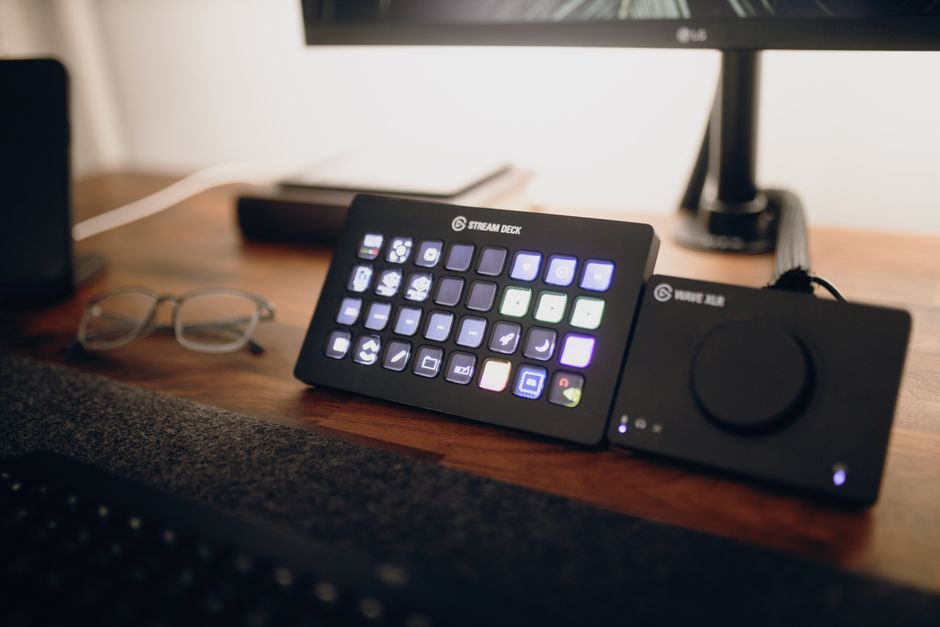
Building a streaming setup without buying too much gear is entirely feasible, especially for students aiming to stream games like those on Xbox Game Pass or Steam. The core idea is to leverage what you likely already own or invest smartly in versatile, affordable components. You don’t need a high-end dedicated capture card or a professional XLR microphone to start. Focus on a decent existing computer, a reliable internet connection, and then prioritize a good webcam and an acceptable USB microphone, often available secondhand or from budget brands. Software like OBS Studio is free and powerful, making professional streaming accessible even on a shoestring budget.
So, you’ve been thinking about hitting that ‘Go Live’ button on Twitch or YouTube, showcasing your latest wins in Valorant or exploring new worlds in a Game Pass title. But then you look at all the gear recommendations online, and suddenly it feels like you need a second mortgage just to get started. Forget that. The truth is, you can absolutely get a decent, enjoyable game streaming setup going without buying too much gear, especially if you’re a student trying to make your euros, dollars, or pesos stretch.
This isn’t about compromise for the sake of it; it’s about smart choices that work in real life. We’ll focus on what truly makes a difference to your audience and what you can scrounge, borrow, or buy for cheap that still gets the job done. Let’s cut through the hype and build something practical.
Starting Strong with Your Existing Computer: The Core of Your Budget Game Streaming Setup
Before you even think about new purchases, look at the machine you already have. For most students, this is likely a laptop or a desktop PC they use for studies and gaming. Can it handle streaming? Probably, to some extent.
PC Specs That Actually Matter for Streaming
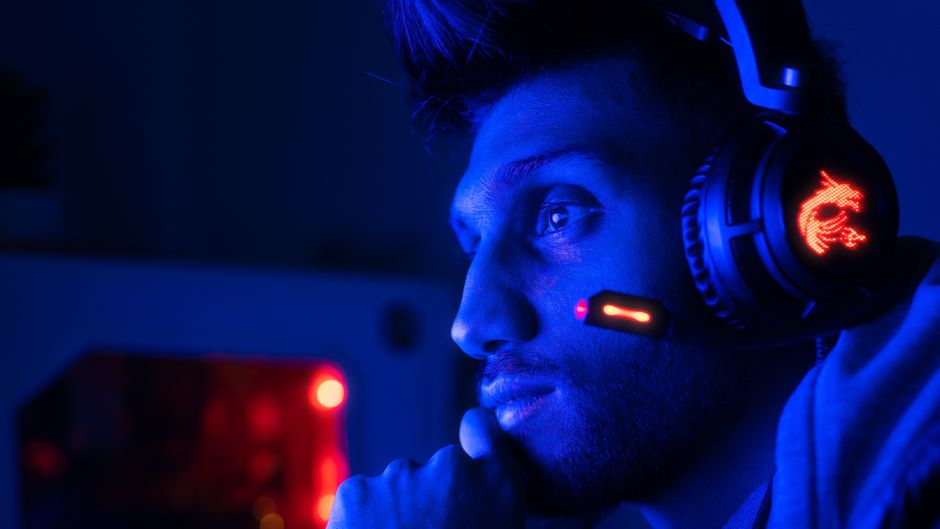
You don’t need a top-tier gaming rig, but certain specs are more critical than others. A quad-core CPU (Intel i5/Ryzen 5 or better from the last 5-6 years) is generally the minimum for smooth 720p 30fps streaming. If you have an Intel CPU with an ‘F’ suffix (e.g., i5-10400F), it lacks integrated graphics, which means your dedicated GPU will do all the encoding work. If it’s a non-‘F’ chip, Intel’s Quick Sync can be a lifesaver, handling video encoding efficiently without taxing your main CPU or GPU. AMD’s newer CPUs and GPUs also have excellent dedicated encoders (NVENC for Nvidia, AMF/VCE for AMD) that take the load off. Check your graphics card too; an Nvidia GTX 10-series or AMD RX 400-series card or newer usually includes a solid hardware encoder.
Leveraging Your Console for Streaming
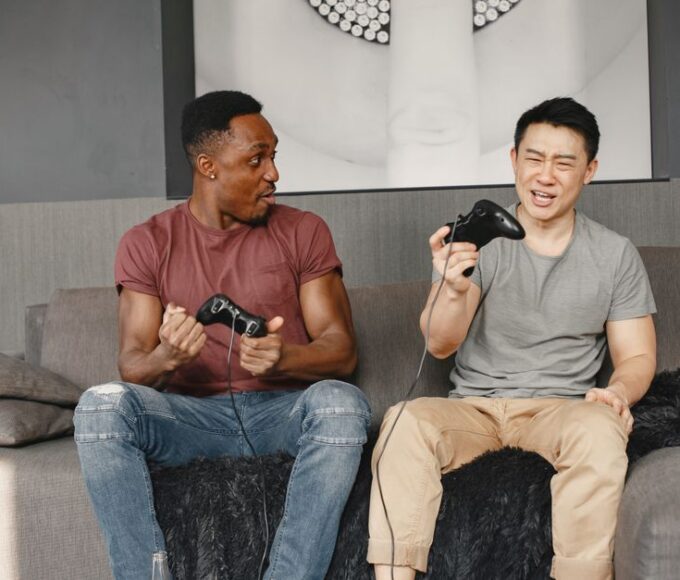
If you’re primarily a console gamer on an Xbox, PlayStation, or Nintendo Switch, you have a direct path to streaming. Xbox consoles (especially Series X|S) have built-in Twitch integration, allowing you to stream directly from the console with a headset and a webcam. This is arguably the easiest way to start if you already own an Xbox and an Xbox Game Pass subscription, as it requires zero extra PC hardware. PlayStation also offers direct streaming to Twitch and YouTube. For Nintendo Switch, you’ll eventually need a capture card, but for a true budget setup, consider pointing a webcam at your TV screen and playing through that – it’s crude but free for absolute beginners.
Essential Peripherals: Where to Spend a Little (or a Lot Less)
Okay, your computer or console is ready. Now for the bits that let your audience see and hear you. This is where most people get overwhelmed, but smart choices keep costs low.
PC vs Console vs Handheld: Which Gaming Setup Fits Your Lifestyle?
Microphones: Your Voice is Key
This is arguably the most important piece of gear after your gaming machine. People will tolerate slightly grainy video, but bad audio will make them click away instantly. A common mistake is thinking you need a professional XLR mic. For a budget game streaming setup, a good USB microphone is perfect.
- Headset Mics: Many gaming headsets, especially from brands like HyperX, SteelSeries, or Logitech, have surprisingly decent microphones. Use what you have first! If you’re a student in Europe, check local electronics stores or online marketplaces for used gaming headsets.
- USB Microphones: If your headset mic isn’t cutting it, a standalone USB mic is the next step. The Blue Yeti (often available used for a good price) or the HyperX QuadCast are popular, but cheaper options like the Fifine K669 or Maono AU-A04 are excellent entry points, especially common in markets across North America and South America. These can be found for around 30-60 USD/EUR/BRL and offer significantly better quality than most headset mics.
Webcams: Let Them See Your Reactions
While not strictly essential for gameplay streams, a webcam adds personality. Again, start with what you have. Many laptops have built-in webcams, which are often perfectly adequate for starting out. If you need an upgrade:
- Budget USB Webcams: The Logitech C920 (and its variants like the C920s or C922) has been the gold standard for years and can be found used for very reasonable prices (20-40 USD/EUR). It offers great 1080p quality for its price. Cheaper alternatives from brands like Aukey or Razer Kiyo (for built-in ring light) also exist and are popular among students looking for a deal in places like university towns in the UK, Germany, or Brazil.
- Smartphone as Webcam: This is a fantastic free option! Apps like DroidCam (Android) or Camo (iOS/Android) let you use your smartphone’s camera as a high-quality webcam over Wi-Fi or USB. Your phone probably has a better camera than most budget webcams anyway, so this is a no-brainer for a budget setup.
Software and Settings: The Free Powerhouses
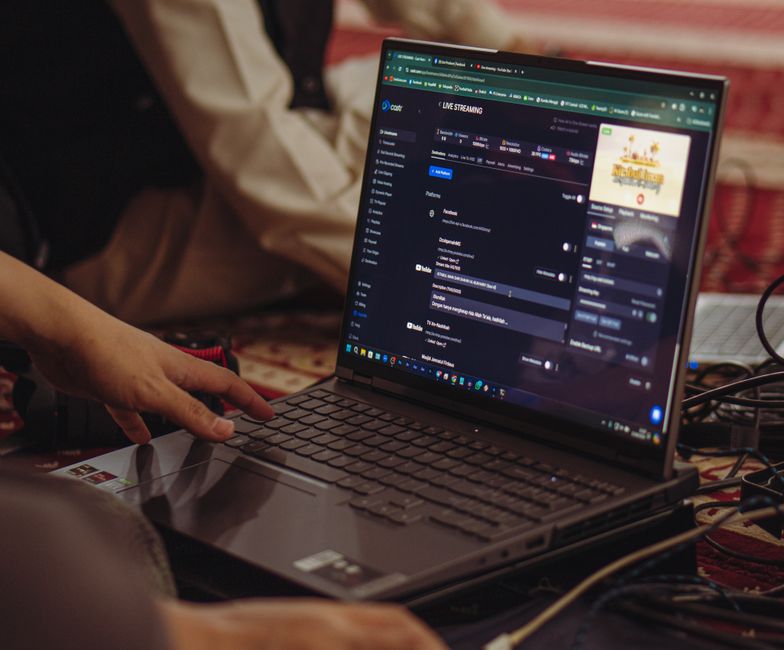
This is where you save serious money. The best streaming software is often free and open-source.
OBS Studio: Your Free Command Center
OBS Studio is the undisputed champion of free streaming software. It’s powerful, flexible, and entirely free. It works on Windows, macOS, and Linux. There’s a learning curve, but countless tutorials on YouTube can get you up to speed quickly. Spend time learning its features: setting up scenes, adding sources (game capture, webcam, microphone), and configuring your stream settings. This is where your budget game streaming setup really comes alive.
Streamlabs Desktop: OBS with a Friendlier Face
Streamlabs Desktop is built on OBS but offers a more user-friendly interface and integrated alerts, overlays, and widgets. While some features require a subscription, the core streaming functionality is free. Many beginners find it easier to jump into than vanilla OBS Studio. Both are excellent choices, so try them both to see which feels more comfortable.
Optimizing Settings for Your Hardware
The key to smooth streaming on a budget is knowing your hardware’s limits. Start with a lower resolution (720p) and frame rate (30fps). This significantly reduces the demands on your CPU/GPU and your internet connection. Use your hardware encoder (NVENC, AMF, Quick Sync) if available, as it provides better performance with less impact on your game’s frame rate. For students in areas with less solid internet infrastructure, particularly in parts of South America, lower bitrates will be crucial for a stable stream.
Internet Connection: The Unsung Hero
You can have the best gear, but without a stable internet connection, your stream will struggle. For 720p 30fps streaming, aim for at least 3-5 Mbps upload speed. You can test your speed using sites like Speedtest.net. If you’re using Wi-Fi, consider plugging directly into your router with an Ethernet cable for a more stable connection, especially in shared student accommodation where Wi-Fi can be congested.
Mobile Gaming Trends: What’s Hot in Latin America, Europe, and North America?
Game Selection and Platform Choices
Your game choice can also impact your setup. Less graphically demanding games like Among Us, Minecraft, or indie titles are much easier to stream smoothly on a budget rig than, say, Cyberpunk 2077. And remember, platforms like Xbox Game Pass offer a vast library of games, some of which are very streamer-friendly and won’t tax your system as much. Streaming games directly from Xbox or PlayStation (as mentioned) also offloads much of the processing from your PC.
FAQ: Budget Game Streaming Setup
Does an Xbox Game Pass subscription help with a budget streaming setup?
Absolutely. An Xbox Game Pass subscription provides access to a massive library of games, many of which are less demanding on a streaming PC. Moreover, newer Xbox consoles have built-in Twitch integration, allowing you to stream directly from the console, bypassing the need for a high-end PC or a capture card entirely, making it ideal for a budget setup.
Can I stream PC games from Steam without a powerful computer?
Yes, you can. The trick is to choose less graphically intensive games from your Steam library or adjust in-game settings to lower resolutions and frame rates. Utilize OBS Studio’s hardware encoding (like NVENC for Nvidia or AMF for AMD) if your GPU supports it, as this offloads the encoding from your main CPU, allowing you to stream effectively even on mid-range hardware.
What is the most critical piece of equipment for a budget stream?
Beyond your gaming computer or console, the most critical piece of equipment for a budget stream is a good microphone. Clear audio is paramount for audience engagement. Viewers are far more likely to tolerate less-than-perfect video quality than poor, garbled, or noisy audio. A decent USB microphone makes a huge difference without breaking the bank.
Can I use my smartphone as a webcam for streaming?
Yes, you absolutely can! Apps like DroidCam (for Android) and Camo (for iOS and Android) allow you to turn your smartphone into a high-quality webcam. This is an excellent free solution, as modern smartphone cameras often outperform many dedicated budget webcams, providing superior video quality without any additional cost.
Is a dedicated capture card necessary for console streaming on a budget?
Not always, especially for starting out. Newer Xbox and PlayStation consoles have built-in streaming capabilities that let you go live directly to Twitch or YouTube. While a capture card eventually offers more flexibility and higher quality, direct console streaming is a fantastic free entry point for a budget game streaming setup.
Final Thoughts: Just Start Streaming
The biggest hurdle to streaming isn’t the gear; it’s getting started. Don’t fall into the trap of thinking you need a professional studio before your first stream. With a solid understanding of your existing hardware, free software like OBS Studio, and a few smart, budget-friendly additions like a decent USB mic or using your phone as a webcam, you can build a perfectly functional and engaging game streaming setup without buying too much gear. Focus on your content, interact with your audience, and refine your setup over time. The journey of a thousand streams begins with a single ‘Go Live’ button.
Discover more gaming guides on Le Daily Post.