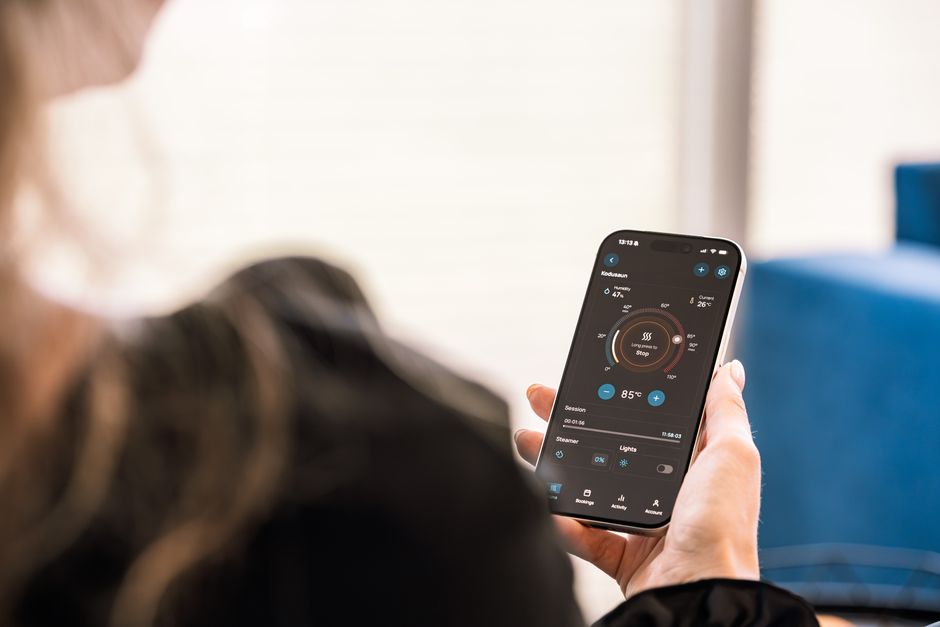
We’ve all been there: a new phone arrives, sleek and fast, and suddenly, the perfectly functional older model feels obsolete. It gets tucked away in a drawer, perhaps with a vague notion of selling it or keeping it as a backup. But often, it just sits there, slowly accumulating dust, a forgotten piece of technology destined for the recycling bin – or worse, a landfill. This cycle of upgrade and discard contributes significantly to electronic waste, a growing problem globally, from the bustling cities of North America to the sprawling landscapes of Europe and the vibrant communities across South America.
Before you consider that old device truly redundant, pause. That phone, even if it can’t run the latest apps or hold a charge for a full day of heavy use, still packs a surprising amount of processing power, a decent camera, and a perfectly functional screen. With a bit of creativity and the right software, you can absolutely make an old phone useful again in real life, transforming it into a dedicated gadget that serves a specific, valuable purpose.
Instead of contributing to the ever-increasing mountain of e-waste, let’s explore practical ways to give your retired smartphone a meaningful second act. We’re talking about real-world applications that save you money, enhance your home, and keep perfectly good technology working for you.
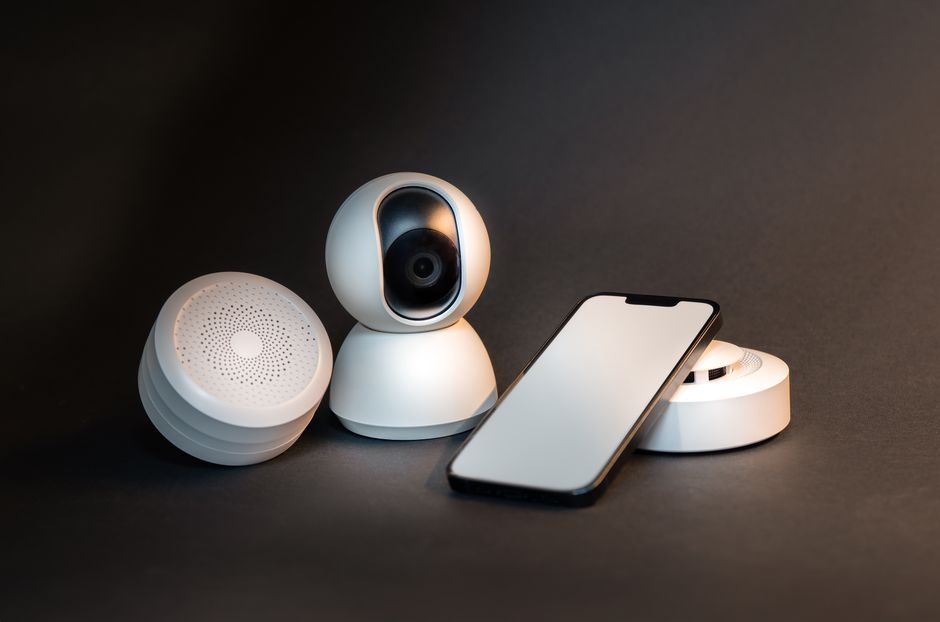
Caption: A person repurposing an old smartphone into a smart home control hub.
Giving Your Old Phone a New Lease on Life: A Quick Overview
Before we dive into the specifics, here are some top ideas for how you can make an old phone useful again in real life:
- Dedicated Smart Home Hub: Control all your smart devices from one fixed location.
- Home Security Camera: Monitor your property or pets without buying new equipment.
- Portable Media Player: A dedicated device for music, podcasts, or audiobooks.
- E-Reader: Load it up with books and enjoy distraction-free reading.
- Car Infotainment System: For GPS, music, and hands-free calls in an older vehicle.
- Kid’s Entertainment Device: Pre-loaded with games and educational apps, safely offline.
- Digital Photo Frame: Showcase cherished memories on a loop.
- Remote Control for Smart TVs: A dedicated universal remote for your living room.
1. The Smart Home Command Center: Your Dedicated Controller
One of the most intuitive ways to make an old phone useful again in real life is to transform it into a dedicated smart home controller. Think about it: you usually pull out your primary phone, use it, find the right app, and then control your lights or thermostat. What if you had a device always plugged in, always on, and always ready?
Setting Up a Fixed Smart Home Panel
Mount your old phone to a wall in a central location, perhaps near your front door or in the kitchen. Keep it plugged in constantly. Install all your smart home apps – Philips Hue, Google Home, Amazon Alexa, Ring, Nest – directly on this device. Now, anyone in the family can quickly adjust the thermostat, turn off the lights, or check the doorbell camera without needing to hunt for their own phone or shout commands at a smart speaker. This is particularly handy in multi-person households, especially if some members aren’t comfortable with voice assistants or prefer tactile controls. For instance, in a busy European apartment, having a fixed panel for climate control and smart lighting can streamline daily routines.
Security and Convenience Considerations
Since this device won’t contain personal data you actively use, you can log out of most personal accounts, increasing security. Keep a strong screen lock, of course, but the risk of personal data compromise is lower than with your primary device. For devices like an old Apple iPhone, the ecosystem integration is usually solid, making it a seamless experience to control HomeKit devices. For Android devices, Google Home provides a similar centralized control.
2. DIY Home Security and Pet Monitoring Camera
Buying a dedicated security camera can be an investment. Why spend extra when you likely have a perfectly capable camera in your old phone? This is an excellent way to make an old phone useful again in real life, offering peace of mind without the recurring subscription fees often associated with commercial systems.
Transforming Your Phone into a Surveillance Tool
Several free and paid apps allow you to turn your old smartphone into an IP camera. Apps like Alfred Camera or Manything are popular choices. You install the app on your old phone (the ‘camera’) and on your primary phone (the ‘viewer’). Position the old phone in an area you want to monitor – perhaps overlooking your living room while you’re at work, or watching your pet in another room. Many apps offer motion detection, sending alerts to your primary phone when activity is detected. Some even include two-way audio, so you can speak through the old phone’s speaker.
A Phone Based on Battery, Camera, and Updates: The Buyer Checklist
Caption: An old smartphone cleverly positioned as a security camera, monitoring a room.
Practical Setup and Placement
For best results, keep the old phone constantly plugged into power. Consider using a wide-angle lens attachment if you need a broader field of view. A small, flexible tripod or a wall mount can help you position the phone precisely. This setup is particularly appealing for remote workers in North America who might want to keep an eye on their home office when they step away or monitor a baby’s room during a break. It’s a low-cost, effective solution that leverages existing hardware.
3. The Ultimate Media Companion: Offline Entertainment Hub
In an age of streaming and constant connectivity, having a dedicated offline media device can be incredibly liberating. This is another fantastic approach to make an old phone useful again in real life, especially for travel or specific environments.
Music, Podcasts, and Audiobooks On-Demand
Load up your old phone with your entire music library, downloaded podcasts, or a collection of audiobooks. Since it’s not your primary phone, it won’t be constantly buzzing with notifications, texts, or emails. This creates a focused, distraction-free listening experience. It’s perfect for a long flight, a commute on a train, or simply relaxing without the pull of social media. Imagine exploring the historic sites of Europe with your favorite classical music playing from a device that doesn’t demand your attention every five minutes.
Dedicated E-Reader and Gaming Device
Similarly, your old phone can become a dedicated e-reader. Many reading apps offer excellent interfaces, and a smaller screen can be more comfortable for one-handed reading than a full-sized tablet. For kids, an old phone pre-loaded with age-appropriate games and educational apps (disabled from internet access, of course) becomes a safe, contained entertainment device without access to potentially harmful online content or in-app purchases. This can be a godsend for parents in bustling South American cities looking for safe, offline diversions for children.
4. Supercharging Productivity: From Password Manager to Desktop PC
Beyond entertainment and security, older phones can significantly boost your productivity in unexpected ways. Here’s how to make an old phone useful again in real life for your daily workflow.
A Secure, Offline Password Manager
For those deeply concerned about online security, an old phone can host a dedicated password manager like KeePass or LastPass, kept entirely offline. Only connect it to the internet for occasional syncs or updates, significantly reducing its exposure to online threats. This might feel like an extra step, but for critical accounts or sensitive business data, a dedicated, air-gapped device is a highly secure option. Microsoft offers tools that integrate well with various password managers, ensuring compatibility across different ecosystems if you choose to sync your manager to a secure cloud.
Desktop PC Alternative (with limitations)
Some Android phones, particularly Samsung devices with DeX, can connect to an external monitor, keyboard, and mouse to offer a desktop-like experience. While it won’t replace a powerful workstation, for light tasks like word processing, email, or web browsing, it’s a surprisingly capable setup. This could be invaluable for remote workers who travel frequently and need a portable, minimalist computing solution, avoiding the bulk of a laptop.
5. The Ultimate Emergency Kit Device & Car Companion
Don’t underestimate the power of an old phone for emergencies or as a dedicated in-car gadget. These are practical, often overlooked ways to make an an old phone useful again in real life.
Your Beginner Guide to Passkeys and Passwordless Login: Ditching the Digital Dilemma
Emergency Communicator
An old phone can still call emergency services (e.g., 911 in North America, 112 in Europe, or 999 in some parts of the UK) even without an active SIM card. Keep one charged in your glove compartment or emergency kit. It’s a vital backup communication tool, particularly if your primary phone is lost, damaged, or out of battery during a power outage or disaster. Ensure it’s fully charged and periodically check its battery health.
Dedicated Car Infotainment System
For older cars without built-in smart systems, an old phone can be your dedicated GPS, music player, and hands-free calling device. Mount it securely to your dashboard, keep it plugged into your car’s power, and load it with offline maps (Google Maps, HERE WeGo) and your favorite driving playlists. This saves your primary phone’s battery and prevents distractions from incoming notifications while driving. If you’re navigating the intricate street patterns of Buenos Aires or the vast highways of rural Canada, a dedicated navigation device makes the journey smoother and safer.
FAQ – Common Questions About Repurposing Old Phones
Can I use an old phone as a dedicated password manager?
Yes, absolutely. An old phone can be an excellent, highly secure password manager. You can install an app like KeePass or LastPass, store your password database on it, and keep the device mostly offline. This significantly reduces exposure to online threats, providing a dedicated, air-gapped layer of security for your crucial credentials, only connecting to the internet for essential updates.
What smart home devices can an old Apple phone control?
An old Apple iPhone can control a wide array of HomeKit-enabled smart home devices, including smart lights (like Philips Hue), thermostats (e.g., Ecobee, Nest), smart plugs, door locks, and security cameras. As a dedicated hub, it can manage routines and scenes within the Home app, providing a centralized control panel for your entire Apple HomeKit ecosystem, even if it’s no longer receiving the latest iOS updates.
Is it safe to use an old Microsoft Windows Phone for anything?
While Windows Phones are largely unsupported, some basic functions are still viable. You could use it as a basic alarm clock, a dedicated music player with downloaded files, or a very simple e-reader. However, due to severe security update limitations and app store deprecation, it’s generally not recommended for tasks requiring internet connectivity or personal data. It’s best suited for completely offline, non-critical tasks.
How do I make sure my old phone is secure when I repurpose it?
To ensure security, perform a factory reset before repurposing, then only install necessary apps. Log out of all personal accounts not critical to its new role. Keep the screen locked with a strong PIN or pattern. If used as a camera, ensure the app uses encrypted streams. For tasks involving sensitive data (like a password manager), keep it offline as much as possible and update software only from trusted sources.
Can an old phone still call emergency services without a SIM card?
Yes, in most regions, including North America and Europe, an old mobile phone can still dial emergency numbers (like 911, 112, or 999) even if it doesn’t have an active SIM card or cellular plan. This is a crucial safety feature. Always keep a charged old phone in your emergency kit or car for this reason, as it could be a lifesaver.
Key Takeaways: Maximize the Value of Your Old Tech
Before relegating that old smartphone to the dustbin of forgotten gadgets, remember that its life doesn’t have to end with your upgrade. You can absolutely make an old phone useful again in real life by applying a bit of ingenuity and leveraging its core capabilities.
Whether it becomes a dedicated smart home controller simplifying your daily routines, a vigilant DIY security camera offering peace of mind, or a distraction-free media player for those moments of relaxation, the potential for repurposing is vast. These actions not only save you money but also contribute positively to reducing electronic waste, a growing concern from bustling metropolitan areas to remote communities worldwide.
Embrace the opportunity to give your retired device a valuable second life. It’s an effective way to optimize your technology investments and make a small, but impactful, contribution to sustainability. Don’t underestimate the continued power and utility packed into those older models.
Ready for more practical tech advice and guides to make the most of your devices? Read more useful technology guides on Le Daily Post.