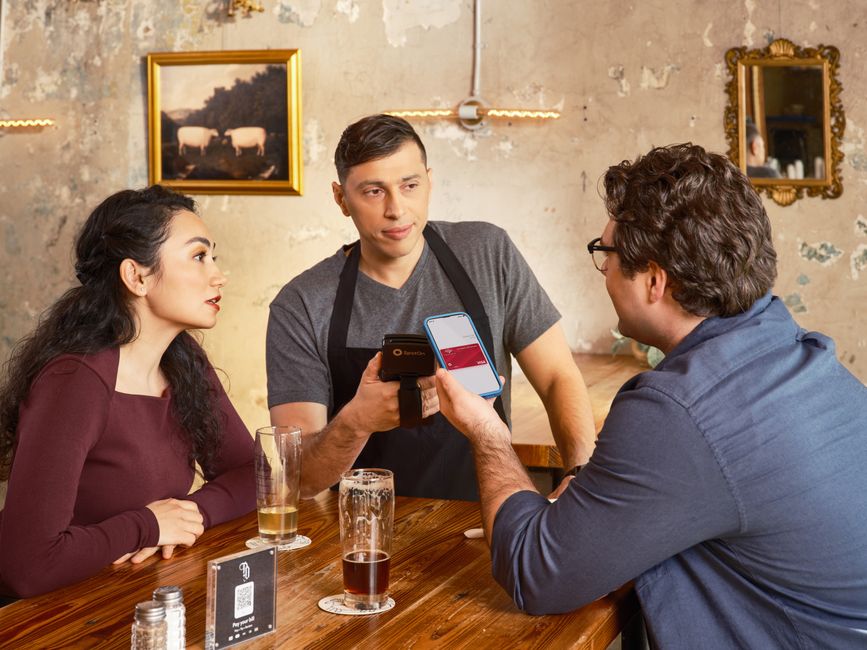
A few months ago, a friend was planning a trip to Brazil and shared a seemingly legitimate QR code for a discounted flight. It looked convincing, complete with a major airline’s logo. Thankfully, before scanning, she paused, noticed a slightly off-kilter design element, and decided to visit the airline’s official website directly. Good thing she did: the QR code was part of a phishing scam designed to steal credit card details. This kind of experience is becoming far too common as QR codes proliferate across our daily lives.
From scanning restaurant menus in New York City to paying for a souvenir in Rome or checking into a flight in Bogotá, QR codes offer undeniable convenience. But this ease of use comes with a caveat: without basic awareness, you’re vulnerable. Understanding how to use QR codes safely in restaurants, travel, and payments effectively means recognizing the subtle — and sometimes not-so-subtle — signs of a scam.
The Ubiquity of QR Codes and Why Safety Matters Now More Than Ever
Remember when QR codes felt like a quirky tech trend? Those days are long gone. The pandemic certainly accelerated their adoption, pushing them into mainstream use for everything from contactless menus in European bistros to digital payment terminals in South American markets. Now, you’ll find them everywhere: on bus stops in Toronto, train tickets in London, and even for accessing public Wi-Fi in Medellín. This widespread acceptance means that for many, scanning a QR code is as natural as tapping a credit card. However, this familiarity can breed complacency, making users ripe targets for sophisticated scammers.
For example, a malicious actor might overlay a fake QR code sticker on a legitimate payment terminal at a small café, or send a phishing email with a QR code promising a ‘tax refund’ that actually leads to a data-harvesting site. Without a moment’s thought, you could be giving away your personal data or even financial details. The stakes are real, and the threats are evolving as quickly as the technology itself. With advancements like Wi-Fi 7 promising even faster and more integrated connections, the potential for seamless (and potentially compromised) digital interactions will only increase.
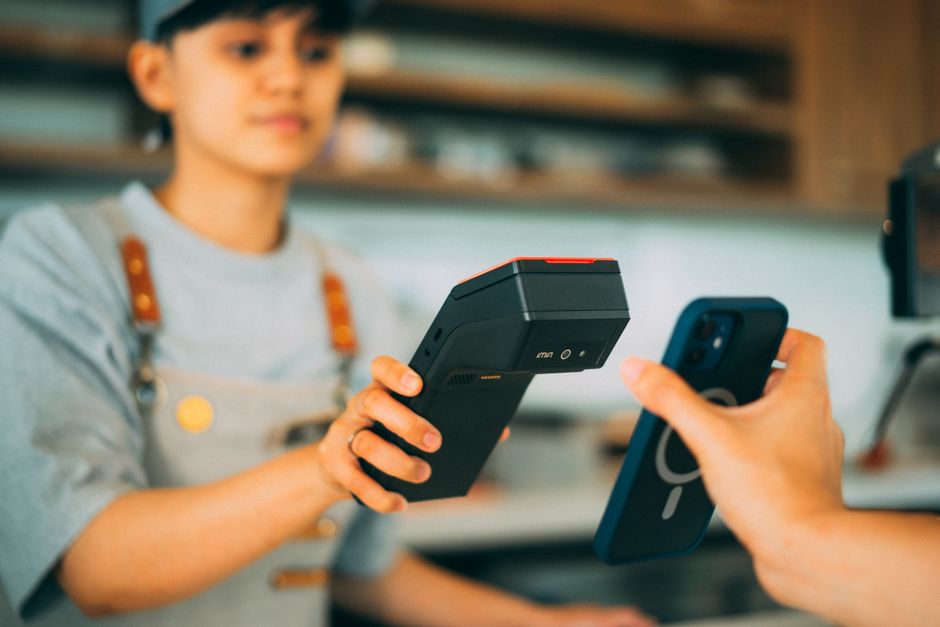
Practical Tips to Use QR Codes Safely in Restaurants, Travel, and Payments
Protecting yourself isn’t complicated, but it requires a conscious effort. Here’s how to navigate the QR-coded world with confidence:
1. Always Visually Inspect the QR Code and Its Source
Before you scan, take a moment to look at the QR code itself. Is it a sticker plastered over an existing code? Does it look like it’s been tampered with? In restaurants, check if the menu QR code is printed directly on the table tent or menu, or if it’s a flimsy sticker that could be easily replaced. For payments, verify that the code is presented on an official, untampered display. A common tactic in North America has been scammers placing fake parking meter QR codes over legitimate ones, redirecting payments to their accounts. Always question anything that looks out of place.
2. Preview the URL Before Opening
Your smartphone’s camera app or dedicated QR scanner typically displays the URL embedded in the code before it navigates to the page. This is your most critical safety check. For a restaurant menu, does the URL start with the restaurant’s known domain (e.g., menu.burgerjointnyc.com)? For a travel ticket, does it go to the airline’s official site (e.g., checkin.united.com) or a legitimate ticketing platform? If you see a shortened URL (like bit.ly or tinyurl) for something important, be extremely wary. While legitimate companies use them, they also obscure the true destination. If in doubt, don’t click.
3. Be Skeptical of Unsolicited QR Codes
Did you receive an email or text message with a QR code out of the blue, promising a prize, a discount, or a ‘problem’ with your Apple or Microsoft account? Treat these with extreme suspicion. Reputable companies like Apple and Microsoft typically don’t use QR codes for account verification or urgent service messages via email or SMS. If you receive such a message, navigate directly to the company’s official website or app to check for alerts, rather than scanning a code.
4. Use a Reputable QR Code Scanner App (if not using built-in camera)
While most modern smartphones (both Apple iOS and Android) have excellent built-in QR scanners that preview URLs, if you prefer a third-party app, ensure it’s from a trusted developer. Read reviews, check permissions, and make sure it has good security practices. Some malicious apps can track your scanning history or inject ads, or worse, redirect you to dangerous sites without proper URL preview.
5. Verify Payment Details Carefully
When using QR codes for payments – common in many places from small shops in Buenos Aires to street vendors in Berlin – always double-check the recipient and the amount on your screen before authorizing the transaction. Scammers can quickly swap out codes that send money to their accounts instead of the intended merchant. If the displayed merchant name is generic or unfamiliar, ask the vendor to confirm. Many mobile payment systems, like those integrated with banking apps, offer strong authentication, but you’re still the first line of defense.
6. Keep Your Device Software Updated
This might seem obvious, but it’s fundamental. Regular software updates for your phone (whether it’s an iPhone or an Android device) include critical security patches. These patches help protect against vulnerabilities that malicious QR codes or the websites they lead to might try to exploit. An outdated operating system is an open invitation for trouble.
QR Code vs. NFC: What’s the Difference and Which is Safer?
While QR codes rely on optical scanning, Near Field Communication (NFC) is another contactless technology often used for payments and information exchange. Think of tapping your credit card or phone at a terminal – that’s NFC in action. Both offer convenience, but they operate differently and carry distinct safety profiles.
| Feature | QR Code | NFC |
|---|---|---|
| Interaction Method | Scanned visually with a camera/app. | Tapped physically (proximity) to a reader. |
| Range | Can be scanned from a distance (inches to feet). | Very short, typically less than 2 inches (5 cm). |
| Primary Vulnerability | Phishing, spoofing, malicious URLs. | Skimming (rare due to short range), device compromise. |
| Ease of Tampering | Easy to overlay fake stickers. | Requires physical access to replace or alter hardware. |
| Transparency | URL preview before clicking is a key safety feature. | Transaction details typically confirmed on the device/terminal. |
| Common Use Cases | Menus, website links, payment initiation, tickets. | Contactless payments (Apple Pay, Google Pay), transit passes, data transfer. |
In practice, NFC often has a slight edge in terms of direct physical security because it requires close proximity, making remote interception or accidental scans less likely. Also, tampering with an NFC payment terminal is significantly harder than simply sticking a fake QR code over a real one. However, both are secure when implemented correctly and used with awareness. Your phone’s security features, whether for Apple Pay or Android’s Google Wallet, add significant layers of encryption and authentication to NFC transactions.
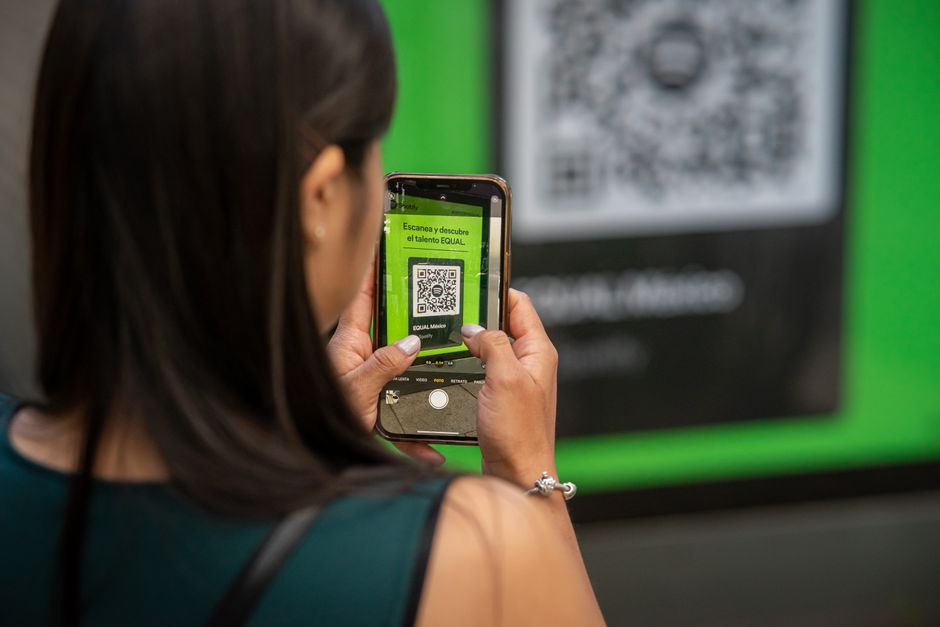
Common Mistakes to Avoid When Using QR Codes
Despite the warnings, people still fall victim to QR code scams. Often, it’s due to a moment of haste or over-trust.
One common mistake is scanning QR codes on public Wi-Fi access points without verifying the source. A fake Wi-Fi QR code could easily trick your device into connecting to a malicious network, giving attackers access to your data. Always check for official signage or ask a staff member if a QR code claims to provide Wi-Fi access in a public space, whether it’s an airport in São Paulo or a coffee shop in Paris.
Another error is not paying attention to the URL preview. It’s easy to glance at the pop-up and assume it’s correct. But a scammer might use a very similar-looking domain, like amazon-pay-security.net instead of pay.amazon.com. Your brain might fill in the blanks, especially if you’re in a hurry. Always take the extra second to read the full URL character by character.
Finally, avoid the impulse to scan every QR code you encounter, especially if it promises something too good to be true. Free money, incredibly cheap flights, or instant prizes delivered via an unsolicited QR code are almost certainly fraudulent. If it seems suspicious, it probably is. Your digital safety is paramount, and a healthy dose of skepticism is your best tool against scams when you use QR codes safely in restaurants, travel, and payments.
FAQ: Answering Your QR Code Safety Questions
How can I tell if a QR code is legitimate or malicious?
A legitimate QR code usually appears on official signage, product packaging, or digital displays. Malicious codes often look like stickers placed over existing ones, appear in unsolicited emails/texts, or lead to generic-looking websites even if the initial URL preview seems okay. Always cross-reference information if you suspect anything.
Do I need a special app to scan QR codes safely?
No, most modern smartphones (like those from Apple and running Android) have built-in QR code scanners within their camera apps. These often display the URL preview, which is a key safety feature. You only need a third-party app if your device lacks this functionality, and even then, choose a well-reviewed one.
Can simply scanning a QR code infect my phone with a virus?
No, simply scanning a QR code won’t directly infect your phone. The risk comes from the destination: if the QR code leads to a malicious website that tries to exploit vulnerabilities in your browser or operating system, or prompts you to download a harmful file, then an infection could occur. The act of scanning itself is usually harmless.
What should I do if I accidentally scan a malicious QR code?
If you accidentally scan a suspicious QR code, immediately close the browser tab or app. Do not enter any personal information. If you did enter details, change passwords for those accounts immediately. Run a reputable antivirus scan on your device and monitor your financial accounts for unusual activity. Contact your bank if you entered payment details.
Are QR codes used by major companies like Apple and Microsoft for security?
Major companies like Apple and Microsoft may use QR codes for legitimate purposes, such as setting up new devices or logging into web services. However, they generally do not use unsolicited QR codes for security alerts or password resets via email/SMS. Always confirm the source through official channels before acting on such requests.
Using QR codes safely in restaurants, travel, and payments boils down to vigilance and common sense. By taking a few extra seconds to verify the source and preview the destination, you can confidently enjoy the convenience they offer without falling prey to scams. Stay informed and protect your digital footprint. Read more useful technology guides on Le Daily Post.