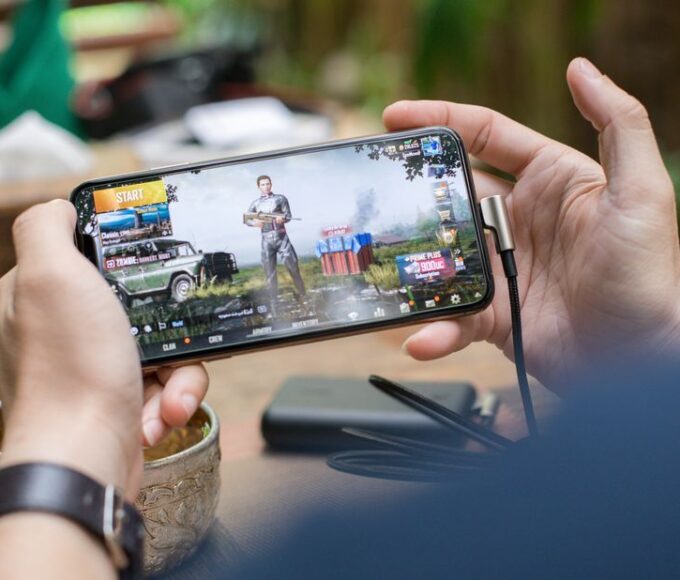
Long flights, train rides across Europe, or even just waiting at the airport in North America can drag without good entertainment. Finding truly engaging travel games for phones, tablets, and handheld consoles that are worth your time means looking beyond the quick-fix apps. It’s about finding experiences that offer depth, replayability, and, crucially, function perfectly without a constant internet connection.
As someone who’s spent countless hours navigating public transport and airport terminals, the difference between a game that truly holds your attention and one that you quickly abandon is stark. A good travel game doesn’t just pass the time; it can transform a tedious wait into a genuine gaming session. It’s about selecting titles that offer a substantial experience without demanding top-tier graphics or a multi-gigabyte download over spotty airport Wi-Fi.
The Unexpected Nuances of Gaming On The Go
When you’re packing for a trip, whether it’s an intercontinental flight or a weekend road trip, the type of entertainment you bring matters. For gamers, this isn’t just about throwing your console in a bag; it’s about curating a library of games that are genuinely suited to the unique constraints of travel. Battery life, screen size, and the omnipresent question of internet access all play a significant role in what makes a game truly ‘travel-worthy’.
Most modern phones and tablets, along with dedicated handheld consoles like the Nintendo Switch or Valve’s Steam Deck, offer incredible gaming potential. However, not every game is created equal for the journey. For instance, while a game like Fortnite is immensely popular, its reliance on a stable, low-latency internet connection makes it a non-starter for most flights or remote locations. You need titles that are designed for quick bursts of play, deep enough for extended sessions, and ideally, entirely playable offline. This often means looking at indie gems, strategy games, RPGs, and puzzle titles that respect your limited resources and attention span.
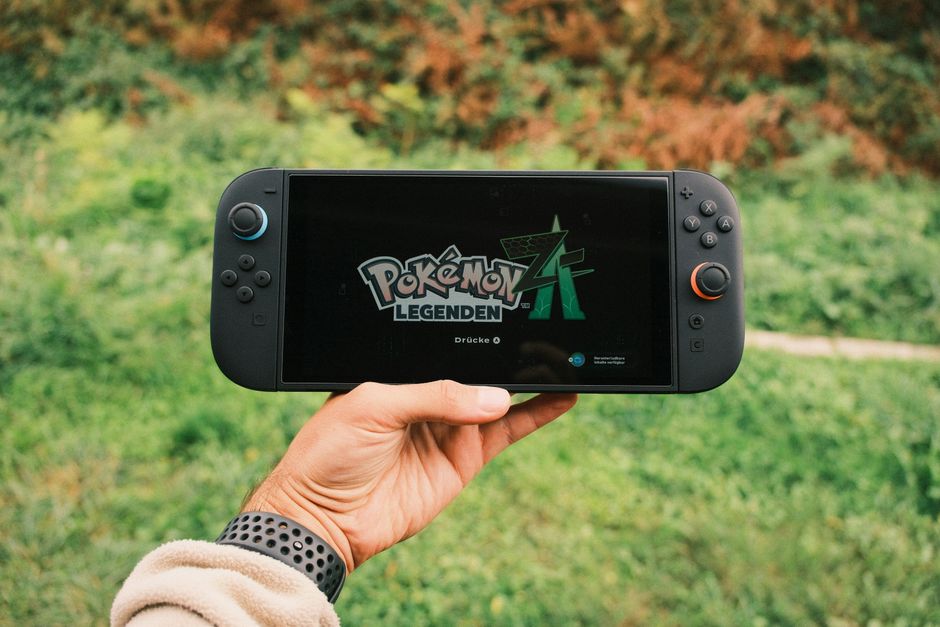
Choosing Your Digital Companions: What Makes a Game Great for Travel?
Selecting the best travel games for phones, tablets, and handheld consoles that are worth your time isn’t just about what’s popular; it’s about what fits the travel context. Here’s a breakdown of what to look for:
1. Offline Playability is Paramount
This is non-negotiable. Whether you’re flying over the Atlantic or taking a bus through the Andes, internet access will be sporadic or non-existent. Always check if a game offers full offline functionality before you download it. Many mobile games require an initial login or periodic checks, which can be frustrating.
2. Depth Over Flash
While stunning graphics are nice, travel gaming often benefits from games with deep mechanics, engaging narratives, or complex puzzles that can truly absorb you. Think about games like Stardew Valley (available on iOS, Android, Switch, Steam Deck) which offers endless farming and social simulation, or a good tactical RPG like Fire Emblem: Three Houses on Switch.
3. Respect for Battery Life
High-end 3D games can drain your device’s battery incredibly fast. Opt for games that are less graphically intensive or have power-saving options. Turn-based strategy games or puzzle games often fare better in this regard, extending your playtime significantly during those long hauls.
Best Cozy Games for Stress Relief After Work: Your Digital Escape
4. Adaptable Session Lengths
Sometimes you only have 15 minutes before your boarding call; other times you have a solid three hours on a train. Great travel games allow for both. Roguelikes like Slay the Spire (iOS, Android, Switch, Steam Deck) are perfect for this, as each run is self-contained but contributes to overall progression.
5. Intuitive Controls
Gaming on a small phone screen or in cramped spaces means touch controls or small joysticks need to be well-implemented. Complex button combinations are often a headache. Games designed from the ground up for mobile or with excellent controller support are ideal.
6. Storage Footprint
Before downloading a dozen games for your trip, check their file sizes. Devices often have limited storage, and you don’t want to fill it up before you’ve even packed your clothes. Some large games can consume several gigabytes, which adds up quickly.
7. Cloud Saves (If Online)
While offline is key, if you happen to briefly connect to Wi-Fi, cloud saves can be a lifesaver, allowing you to smoothly transition between devices or recover progress if something goes wrong. However, don’t rely on them for active travel play.
8. Consider a Subscription Service Strategically
Services like Xbox Game Pass Ultimate offer a library of games, many of which are playable offline, especially on PC or Xbox. While cloud streaming (xCloud) needs internet, many Game Pass titles can be downloaded directly to a laptop or Steam Deck for offline play, making it a powerful option for longer trips if you plan ahead. For mobile gamers, Apple Arcade offers a curated selection of premium, ad-free, and offline-ready games.
Comparing Gaming Options for the Discerning Traveler
When it comes to selecting your primary travel gaming device and its library, each platform has distinct advantages and disadvantages. Here’s a quick comparison:
| Device Type | Pros | Cons | Example Games/Services |
|---|---|---|---|
| Smartphones (iOS/Android) | Always with you, excellent touchscreens, vast game library. | Battery drain, touch controls can be cumbersome, many games require internet. | Stardew Valley, Slay the Spire, Genshin Impact (requires internet), Apple Arcade |
| Tablets (iPad/Android) | Larger screen for immersion, better battery life than phones, good for media consumption. | Less portable than phones, still mostly touch-based gaming, can be expensive. | Divinity: Original Sin 2 (iPad), Civilization VI, FTL: Faster Than Light |
| Nintendo Switch (OLED/Lite) | Dedicated gaming experience, physical controls, vast library of high-quality offline games, excellent first-party titles. | Higher initial cost, fewer third-party AAA ports than PC/Xbox, larger form factor than a phone. | The Legend of Zelda: Tears of the Kingdom, Hades, Mario Kart 8 Deluxe |
| Steam Deck / ASUS ROG Ally | Full PC gaming library in handheld form, highly customizable, solid emulation capabilities. | Heavier and bulkier, shorter battery life for demanding games, higher cost, learning curve for new users. | Elden Ring (playable offline after initial setup), Cyberpunk 2077, indie PC games, Game Pass via Windows |

Common Mistakes to Avoid When Planning Your Travel Gaming
Even with the best intentions, travelers often make a few common missteps that can quickly derail their gaming plans. Understanding these can save you a lot of frustration.
A common mistake is assuming that ‘mobile game’ automatically means ‘offline game’. Many free-to-play titles, especially those with in-app purchases or ads, require a constant connection to verify purchases or load content. Always double-check a game’s offline capabilities in reviews or the app store description before downloading, especially if you’re heading to areas like rural South America or a trans-continental flight where connectivity is scarce.
Unlocking Fun: The Best Games for Short Sessions Under 20 Minutes
Another pitfall is underestimating storage needs. Modern games, even on mobile, can be several gigabytes in size. If you’re planning to download a few AAA titles on your Steam Deck or several premium games on your iPad, ensure you have sufficient storage space. Nothing is worse than getting to your destination and realizing you can’t install that new game you bought because your device is full.
Ignoring battery life is also a frequent oversight. A powerful game might be great, but if it drains your phone in an hour, it’s not practical for a five-hour journey. Always pack a reliable power bank, and for longer trips, consider a device like the Nintendo Switch OLED, known for its decent battery life, or manage your play sessions on more power-hungry devices like the Steam Deck by playing less demanding titles.
Finally, overlooking comfort is a major issue. While phone gaming is convenient, trying to play a complex RPG with touch controls for hours can lead to hand cramps and frustration. For extended sessions, consider a phone controller like a Backbone One or Razer Kishi, which can improve your phone into a more ergonomic handheld console experience, especially for games available via Xbox Game Pass for mobile.
FAQ: Your Top Travel Gaming Questions Answered
Is Fortnite good for travel on phones or tablets?
No, Fortnite is generally not suitable for travel on phones or tablets because it requires a stable and low-latency internet connection to play. This makes it impractical for flights, long bus rides, or areas with unreliable Wi-Fi, where consistent connectivity is rare or expensive. For travel, offline games are a far better choice.
Can I play Xbox Game Pass games offline on my phone or tablet?
While many Xbox Game Pass games are streamable via the cloud (which requires internet), you can download certain Game Pass titles directly to a Windows laptop or Steam Deck for offline play. On phones and tablets, Game Pass is primarily a streaming service, so offline play for mobile Game Pass is not typically available directly through the app itself.
What handheld consoles are best for long international flights?
For long international flights, the Nintendo Switch (especially the OLED model for its battery and screen) is an excellent choice due to its vast library of high-quality, offline-playable games and ergonomic design. The Steam Deck is also great for PC gamers, offering a wider game selection, but it’s bulkier and can have shorter battery life with demanding titles.
Are there good offline travel games available for free?
Finding truly great free offline travel games can be challenging, as many free mobile games rely on ads or online connections. However, some developers offer offline modes for their free titles, or you might find older, premium games occasionally offered for free. Always check reviews and game descriptions carefully to confirm offline playability and watch out for aggressive microtransactions.
How do I make sure my mobile games are ready for offline play?
Before your trip, download all necessary game data while you have a strong Wi-Fi connection. Then, launch each game once while connected to the internet to complete any initial setup or content checks. Finally, disable Wi-Fi and cellular data on your device and try opening each game to confirm it loads and plays correctly without a connection.
Selecting the right travel games for phones, tablets, and handheld consoles that are worth your time means prioritizing offline capabilities, game depth, and battery efficiency. By making informed choices, you can transform tedious journeys into enjoyable gaming escapades, whether you’re navigating the bustling airports of North America, the scenic train routes of Europe, or exploring the vibrant landscapes of South America. Discover more gaming guides and tips on Le Daily Post.