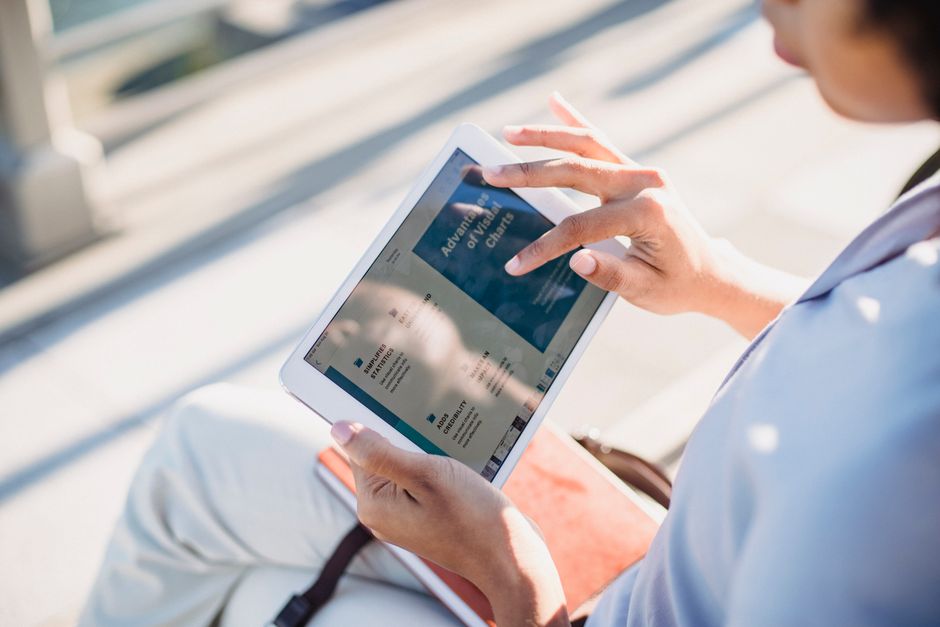
Picking out a new tablet isn’t always straightforward. Walk into any electronics store, whether in London, Buenos Aires, or Toronto, and you’re immediately hit with a wall of choices: sleek iPads, a plethora of Android tablets from various brands, and even specialized e-readers. Each promises a world of productivity and fun, but how do you really decide which one will best serve your unique mix of reading, work, and entertainment needs without overspending or underselling your requirements?
It’s a common dilemma. You might be envisioning curling up with a digital book on one device, then smoothly switching to editing a document for your job, and finishing the day streaming your favorite series – all on the same piece of tech. The truth is, while many tablets can do all three, some are significantly better at certain tasks than others. Understanding these nuances is key to making a purchase you won’t regret.
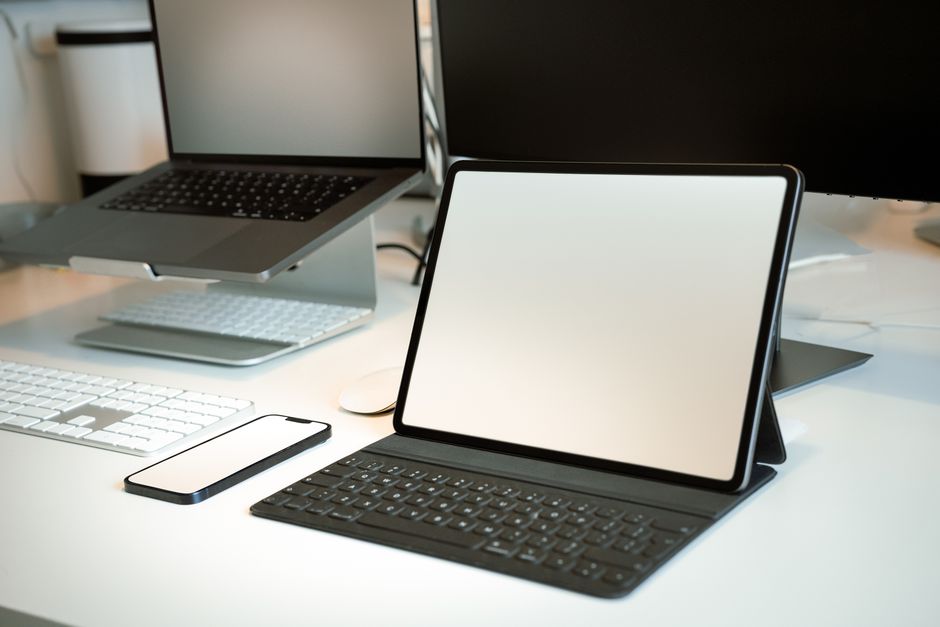
Quick Considerations for Choosing Your Tablet
- Purpose First: What will you primarily use it for – reading, serious work, or mostly movies and games?
- Operating System: Apple’s iOS/iPadOS, Google’s Android, or specialized e-reader software?
- Screen Technology: LCD, OLED, or E Ink (for e-readers) each have their pros and cons.
- Portability & Size: Do you need something compact for travel or a larger screen for productivity?
- Budget: Tablets range from entry-level under $100/€100 to premium models exceeding $1000/€1000.
- Accessories: Do you need a keyboard case, stylus, or specific ports?
- Battery Life: Crucial for extended reading sessions or long workdays away from power.
- Ecosystem: Are you already invested in Apple, Google, or Amazon services?
Deep Dive: Matching Your Tablet to Your Lifestyle
1. The Dedicated Reader: E-Readers vs. Tablets for Books
For many, the initial thought of a tablet includes reading. And rightly so. But there’s a significant distinction between general-purpose tablets and dedicated e-readers like Amazon’s Kindle or Kobo devices. If reading is your absolute top priority, particularly for long periods, an e-reader is often the superior choice.
E-Readers: The Unbeatable Reading Experience
E-readers use E Ink technology, which mimics actual paper. This means no blue light, no glare even in direct sunlight, and significantly less eye strain. Their batteries also last for weeks, not hours. For avid readers, especially those who spend hours with novels, textbooks, or articles, a device like the Kindle Paperwhite or Kobo Clara 2E offers an unmatched, distraction-free experience. They are typically lightweight, easy to hold, and often have built-in backlights for reading in the dark without bothering others. This is why you see so many of them on beaches in Brazil or on public transport across Europe.
Tablets for Reading: Convenience with Compromises
General tablets, whether an iPad or an Android device, can certainly read ebooks through apps like Kindle, Google Books, or Libby. They offer color displays for magazines or comics and allow you to multitask. However, the LCD or OLED screens, while vibrant for movies, can cause eye fatigue during prolonged reading sessions, especially in bright light where glare becomes an issue. Battery life is also a concern compared to E Ink. If you read occasionally and value the versatility of a full tablet, it’s a fine compromise. But if you devour books, consider a dedicated e-reader in addition to, or instead of, a tablet.
2. The Productivity Powerhouse: Tablets for Work
When it comes to getting work done, tablets have come a long way. They’re no longer just consumption devices; many can genuinely serve as lightweight laptop replacements, especially for tasks that don’t require heavy-duty processing or specialized software.
iPad Pro & iPad Air: Apple’s Professional Edge
Apple’s iPad Pro and iPad Air models, particularly when paired with an Apple Pencil and Magic Keyboard, are incredibly capable. Their iPadOS operating system is mature, offering solid multitasking, pro-grade creative apps (think video editing, graphic design), and excellent integration with the Apple ecosystem. For professionals in North America, Europe, or South America who rely on applications like Microsoft 365, Adobe Creative Cloud, or custom business tools, these iPads can be incredibly efficient. The M-series chips found in the Pro models offer performance that rivals many laptops. A common mistake is assuming you need the most expensive Pro model; for many, an iPad Air offers a fantastic balance of power and price.
Android Tablets for Work: Growing Prowess
High-end Android tablets, such as the Samsung Galaxy Tab S series, also provide a compelling work experience. Samsung’s DeX mode, for instance, offers a desktop-like interface when connected to an external display or even directly on the tablet, allowing for a more traditional multi-window workflow. With an S Pen included on many models and optional keyboard covers, these tablets are excellent for note-taking, drawing, and general office tasks. Google’s ecosystem and app availability are strong, making them viable contenders for professionals who prefer Android or already own Samsung phones. Lower-cost Android tablets, however, often struggle with demanding work applications due to less powerful processors and limited RAM.
Key Accessories for Work
Regardless of brand, if you intend to use your tablet for work, a good keyboard case is almost essential for typing documents and emails. A stylus (Apple Pencil, S Pen) is invaluable for handwritten notes, annotations, or creative tasks. Also, consider the port situation – do you need USB-C for external drives or monitors? Think about using a reliable password manager like 1Password or LastPass across all your devices, including your tablet, to maintain strong security practices for both personal and work accounts.
Don’t Toss It! Smart Ways to Make an Old Phone Useful Again in Real Life

3. The Entertainment Hub: Tablets for Movies, Games, and Browsing
This is where tablets truly shine for most users. Their larger screens, portability, and access to a vast array of apps make them ideal for consuming media.
Versatile Entertainment: iPads and High-End Android
Both iPads and premium Android tablets excel here. They boast beautiful displays (often OLED on high-end Androids like the Galaxy Tab S9, and excellent Liquid Retina on iPads), powerful speakers, and the processing grunt needed for demanding games. Streaming services like Netflix, Disney+, and YouTube look fantastic, and the app stores are brimming with games, social media tools, and browsing experiences. An iPad Air or a standard iPad, for example, offers a fantastic blend of screen quality, performance, and battery life for everyday entertainment without breaking the bank. The entry-level iPad is still an excellent choice for general family use, browsing, and streaming.
Budget-Friendly Entertainment: Amazon Fire Tablets
For a purely entertainment-focused device, especially for children or casual users, Amazon’s Fire tablets are a compelling budget option. They run a heavily customized version of Android, focusing on Amazon’s ecosystem (Prime Video, Kindle, Audible). While they won’t win any performance awards, for the price, they offer solid screens and access to popular streaming apps and basic games. They are particularly popular in regions with strong Amazon Prime penetration, often seen as a convenient secondary screen or travel companion.
4. Ecosystem Matters: Apple vs. Android vs. Amazon
Your existing devices and preferred services play a huge role in choosing a tablet. Sticking within an ecosystem often provides the smoothest experience.
Apple’s Integrated Experience
If you own an iPhone, Apple Watch, or Mac, an iPad offers unparalleled integration. Handoff, AirDrop, Universal Clipboard, and seamless iCloud syncing make switching between devices effortless. Apps purchased on your iPhone often work on your iPad, and setting up new Apple devices is a breeze. For users who value this tight integration and premium app quality, Apple is hard to beat.
Android’s Openness and Variety
Android tablets offer more choice in terms of hardware, price points, and customization. If you have an Android phone, you’ll find the interface familiar, and your Google account will sync contacts, calendars, and app data easily. The Google Play Store offers a massive selection of apps. This open ecosystem allows for more flexibility and typically more competitive pricing across various brands like Samsung, Lenovo, and Xiaomi, which are popular in diverse markets from Mexico City to Munich.
Amazon’s Content Focus
Amazon Fire tablets are designed for those deeply embedded in the Amazon ecosystem. If you’re a Prime subscriber, you’ll find Fire OS incredibly convenient for accessing Prime Video, Kindle books, Audible audiobooks, and Amazon Music. While you can side-load Google Play Services, it’s not the intended experience. They are best for dedicated Amazon users or as a simple, affordable content consumption device.
5. Screen Technology & Size: Clarity and Comfort
The screen is your window to the tablet’s world, so choosing wisely here impacts every interaction.
Your Beginner Guide to Passkeys and Passwordless Login: Ditching the Digital Dilemma
Screen Type: LCD vs. OLED vs. E Ink
- LCD (Liquid Crystal Display): Common in most tablets. Good color reproduction, generally bright. Can suffer from glare in direct sunlight.
- OLED (Organic Light-Emitting Diode): Found in premium iPads (Pro models) and high-end Androids. Offers perfect blacks, incredible contrast, vibrant colors, and wider viewing angles. Excellent for movies and games.
- E Ink: Exclusive to e-readers. Paper-like, no backlight (unless illuminated), no glare, uses very little power. Monochrome, not suitable for video or complex apps.
Screen Size: Finding Your Sweet Spot
- Small (7-8 inches): Highly portable, great for reading on the go, easy to hold with one hand. Examples: iPad Mini, some smaller Android tablets, most e-readers.
- Medium (10-11 inches): The most popular size. A good balance for reading, general browsing, and light productivity. Comfortable for watching movies. Examples: Standard iPad, iPad Air, Samsung Galaxy Tab S8/S9.
- Large (12+ inches): Best for productivity, drawing, and multi-window work. Closer to a laptop screen. Less portable. Examples: iPad Pro 12.9-inch, Samsung Galaxy Tab S8 Ultra/S9 Ultra.
FAQ: Answering Your Tablet Questions
Here are some common questions people ask when choosing a tablet for reading, work, and entertainment.
Do I really need a cellular model, or is Wi-Fi enough?
For most users, a Wi-Fi-only tablet is perfectly sufficient. You can usually tether to your smartphone’s data plan when on the go, saving you the extra cost of a cellular subscription for the tablet. Cellular models are primarily beneficial if you consistently need internet access in places without Wi-Fi and prefer not to drain your phone’s battery or data.
How much storage capacity should I get?
This depends heavily on your usage. For basic reading and streaming, 64GB might be enough. If you plan to download many games, movies, or create content, 128GB or 256GB is a safer bet. Keep in mind that unlike some Android tablets, iPads do not offer expandable storage via microSD cards, so choose wisely upfront.
Are cheaper tablets like Amazon Fire or basic Android models worth it?
Yes, for specific use cases. If your primary goal is casual web browsing, streaming video, or reading ebooks within a budget, cheaper tablets offer fantastic value. They are great as secondary devices, for kids, or for travel where you might not want to risk a more expensive gadget. Just manage your performance expectations for demanding apps.
Can a tablet truly replace my laptop for work?
For many, yes, especially for tasks like email, document editing, presentations, and web conferencing. High-end tablets with keyboard attachments and powerful processors can handle significant workloads. However, for specialized software, heavy programming, or complex video editing, a traditional laptop or desktop still often offers a more solid and versatile experience.
What’s the difference between iPadOS and standard iOS?
iPadOS is Apple’s operating system specifically designed for iPads, based on iOS but enhanced with tablet-specific features. It offers better multitasking (like Split View and Slide Over), improved external display support, a more versatile file system, and solid Apple Pencil integration. These features make iPads much more capable for productivity than iPhones.
Key Takeaways for Choosing a Tablet
The journey to finding the perfect tablet for your needs doesn’t have to be a confusing one. Start by honestly assessing what you’ll use it for most. If you’re a voracious reader, a dedicated e-reader might be a smarter investment than trying to force a general tablet into that role. For serious work, invest in a higher-end iPad or Samsung Galaxy Tab with appropriate accessories.
For most people balancing reading, work, and entertainment, a standard iPad (like the base model or an Air) or a mid-range Android tablet offers the best overall value and versatility. These devices provide excellent screens for movies, enough power for casual games and browsing, and the capability for light to moderate productivity tasks when paired with a keyboard.
Ultimately, the best tablet is the one that fits smoothly into your daily life and budget, whether you’re catching up on emails in a café in Paris, reading a novel on a beach in Rio, or streaming a show at home in New York. Consider your ecosystem, desired accessories, and long-term goals to make a truly informed decision.
Read more useful technology guides on Le Daily Post.