Gaming lag is primarily caused by high latency (ping), which is the delay in data transmission between your device and the game server. Other culprits include insufficient internet bandwidth, Wi-Fi interference, outdated network hardware, and server-side issues. To fix it, you can upgrade your internet plan, switch to an Ethernet connection, prioritize gaming traffic using Quality of Service (QoS) settings on your router, ensure your router firmware is current, and close bandwidth-heavy applications running in the background. Sometimes, simply restarting your modem and router can resolve minor connectivity issues that contribute to lag.
There’s nothing quite like the rage-inducing moment when your character freezes mid-jump or your shot misses an easy target because of a sudden spike in lag. It’s a common story, whether you’re playing Fortnite with friends across Canada, navigating the vast world of Elder Scrolls Online from Spain, or trying to land a crucial headshot in CS:GO from Brazil. That frustrating stutter, that seemingly unplayable delay – that’s gaming lag, and it can turn a fun session into a lesson in patience.
For parents trying to understand why their kids are yelling at the TV or computer screen, and for gamers tired of blaming their internet provider, this guide is for you. We’ll break down what causes gaming lag and, more importantly, give you practical, actionable internet tips to help you reduce gaming lag and get back to smooth, responsive gameplay.
Understanding Gaming Lag: What’s Really Going On?
Before we dive into fixes, let’s clarify what we mean by ‘lag.’ Most often, when gamers complain about lag, they’re referring to high ping or latency. Ping is essentially a measurement of how long it takes for a small packet of data to travel from your computer to a server and back again. Measured in milliseconds (ms), a lower ping means a more responsive connection.
Imagine you’re having a conversation. If there’s a delay between you speaking and the other person hearing, and vice versa, that’s like high ping. In a fast-paced game, even a delay of 50-100ms can be the difference between a headshot and getting taken out. Beyond ping, lag can also manifest as choppy visuals or dropped frames, often due to insufficient bandwidth or issues with your local network setup.

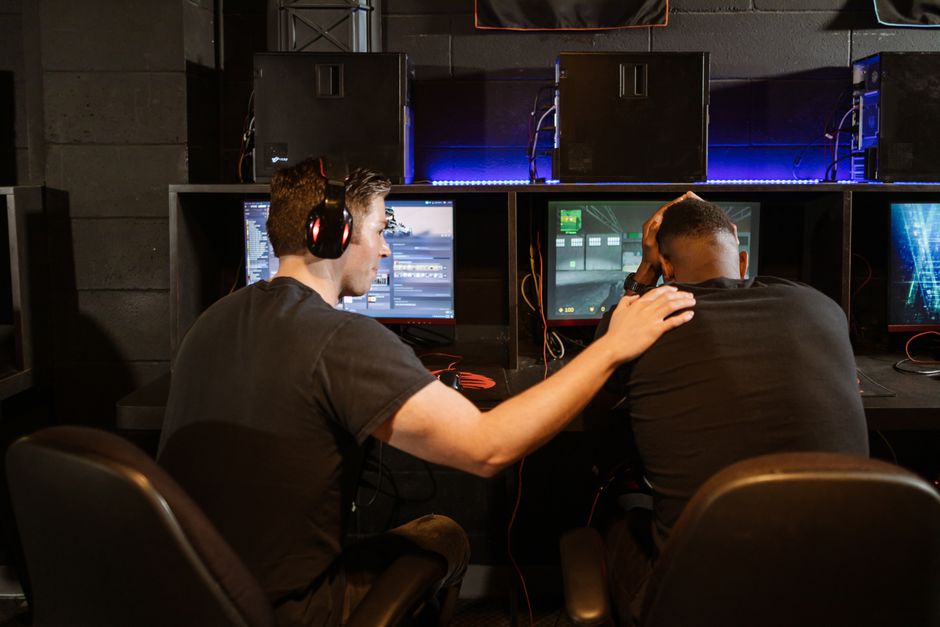
A gamer frustrated by slow internet, looking at their computer screen displaying high ping and connection errors.
Ping vs. Bandwidth: The Key Difference
- Ping (Latency): This is the speed of response. It’s how quickly data travels. Crucial for real-time games where quick reactions matter. High ping means delays.
- Bandwidth (Speed): This is the capacity of your internet connection – how much data can travel at once. Think of it like the width of a highway. More lanes (bandwidth) mean more cars (data) can pass simultaneously. While important for downloading games or streaming high-resolution video, extremely high bandwidth isn’t always the direct solution for reducing lag if your latency is still high.
For most modern online games, a download speed of 25-50 Mbps and an upload speed of 5-10 Mbps is sufficient. What you really need to prioritize is low latency.
Optimize Your Home Network: The First Line of Defense
Many lag issues start right in your own living room or gaming den. Let’s look at the most effective ways to optimize your local setup.
1. Ditch Wi-Fi, Embrace Ethernet
This is arguably the single most impactful change you can make. Wi-Fi is convenient, but it’s prone to interference and signal degradation. Walls, other electronics, and even your neighbor’s Wi-Fi can disrupt your signal. An Ethernet cable provides a direct, stable, and much faster connection to your router, significantly reducing latency and packet loss.
- Practical Tip: If your gaming setup is far from your router, consider powerline adapters (which use your home’s electrical wiring to extend your network) or investing in a longer, high-quality Cat6 Ethernet cable. For serious gamers in an apartment building in Barcelona, switching from Wi-Fi to a direct cable can often halve their ping.
2. Upgrade Your Router and Modem
Your router is the traffic cop of your home network. An old or budget router might struggle to handle multiple devices, especially if someone else is streaming Netflix in 4K while you’re gaming. Modern routers, especially those supporting Wi-Fi 6 (802.11ax), offer better efficiency and lower latency, even over Wi-Fi, though Ethernet is still king for gaming.
- Modem: Your modem connects your home network to your Internet Service Provider (ISP). Ensure it’s compatible with your internet plan’s speed. If you have fiber internet, you’ll have an ONT (Optical Network Terminal) which acts like a modem.
- Router Features: Look for routers with Quality of Service (QoS) features. QoS allows you to prioritize gaming traffic over other activities, ensuring your game data gets preferential treatment. Many routers from brands like ASUS, Netgear, or Linksys offer solid QoS settings.
3. Minimize Wi-Fi Interference and Overlap
If you absolutely must use Wi-Fi, try to reduce interference. Wi-Fi signals operate on different channels. If your neighbor’s router is on the same channel as yours, it creates congestion. Most modern routers can automatically select the least congested channel, but you can also manually check using apps like Wi-Fi Analyzer (available for Android) or your router’s interface.
- Frequency Bands: Use the 5GHz band for gaming if available, as it offers faster speeds and less interference than the 2.4GHz band, though its range is shorter. Ensure your gaming device supports 5GHz Wi-Fi.
- Proximity: Keep your router in an open, central location, away from walls and other electronics that can block signals (microwaves, cordless phones, even large metal objects).
ISP and External Factors: Beyond Your Control (Mostly)
Sometimes, the problem isn’t your setup, but what’s happening outside your home.
1. Choose the Right Internet Plan and Provider
This might seem obvious, but it’s crucial. Not all internet types are equal for gaming:
- Fiber Internet: If available, fiber optic internet (like Google Fiber in parts of the US or various providers across Europe and South America) offers the lowest latency and highest speeds. It’s often the gold standard for gamers. For gamers in cities like São Paulo, Brazil, fiber internet has revolutionized their online experience.
- Cable Internet: Generally good, offering decent speeds and latency, but can experience slowdowns during peak hours due to shared network infrastructure in your neighborhood.
- DSL Internet: Often slower and with higher latency, especially if you’re far from the local exchange.
- Satellite Internet: Avoid at all costs for gaming. The sheer distance to satellites in orbit introduces extremely high latency (hundreds of milliseconds), making real-time gaming impossible.
- 5G Home Internet: An emerging option. While 5G cellular networks offer low latency, 5G home internet’s performance can vary significantly based on signal strength and network congestion in your area. If you’re in a city like Toronto, Canada, with strong 5G coverage, it might be a viable option, but always test the ping before committing.
Always check what your ISP promises for ping and not just download speed. Some providers offer ‘gamer’ plans that prioritize latency.
2. Understand Server Locations and Peering
Your ping is directly related to the physical distance between you and the game server. If you’re in Rio de Janeiro playing on a server located in Miami, you’re going to have higher ping than someone playing from Orlando. You can’t change your physical location, but you can often choose a server region.
- Game Settings: Many games allow you to select a server region. Always pick the closest one with the lowest ping. Playing on a European server from North America will almost guarantee high ping (100ms+).
- Peering Agreements: ISPs have ‘peering agreements’ where they exchange traffic. Sometimes, your ISP might have poor peering with the network where a game server is hosted, leading to higher latency even if the distance isn’t extreme. This is harder to fix as an end-user, but knowing about it can explain seemingly random high ping to specific games.
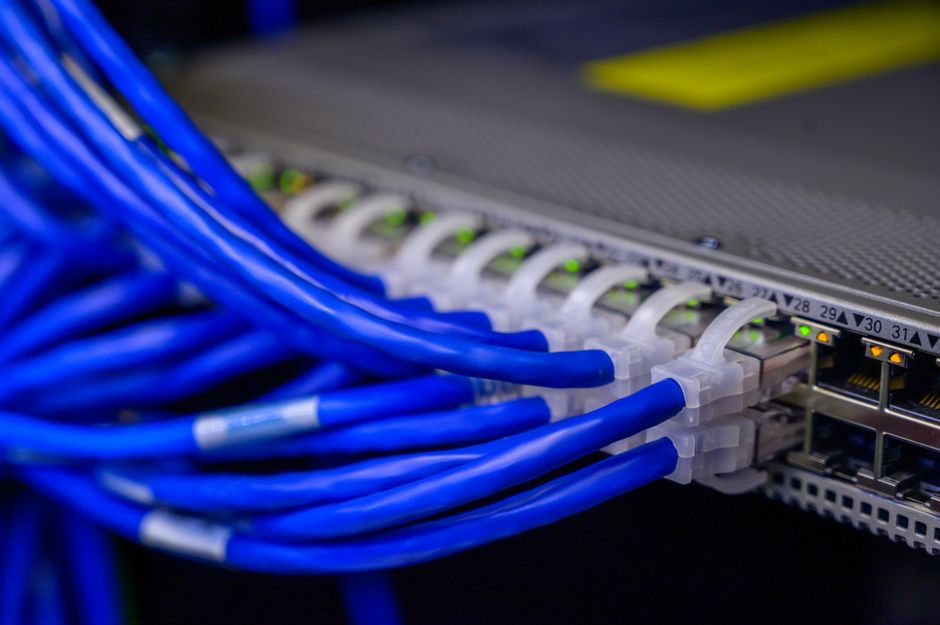
A network engineer checking a complex server rack with glowing lights, symbolizing high-speed data transfer and infrastructure.
3. Schedule Updates and Downloads
Large game updates or even operating system updates (looking at you, Windows!) can consume significant bandwidth and spike your ping. Set these to download during off-peak hours (e.g., overnight) when you’re not actively gaming.
- Steam & Consoles: Most platforms like Steam, PlayStation, and Xbox allow you to schedule or pause downloads. Use these features!
Software and Device Optimization: Fine-Tuning for Performance
Even with a great connection, your device and its software can contribute to lag.
1. Close Background Applications
Web browsers with dozens of tabs open, streaming services, cloud backup tools, torrent clients – these all consume bandwidth and CPU resources. Before gaming, close anything you don’t absolutely need.
- Task Manager (Windows) / Activity Monitor (macOS): Check these tools to see what’s running in the background and consuming resources.
2. Keep Drivers Updated
Outdated network card drivers can sometimes cause connectivity issues. Make sure your network adapter, graphics card, and motherboard drivers are up to date. This won’t directly impact ping much, but it can prevent stability issues that feel like lag.
3. Consider a VPN (with caution)
While a VPN generally adds latency due to the extra hop, in rare cases, a VPN might actually reduce lag if your ISP is poorly routed to a game server. A VPN can sometimes reroute your traffic through a more optimized path. However, for most users, a VPN will increase ping. Use a reputable gaming-specific VPN service and only if you’ve exhausted other options and suspect poor routing from your ISP.
Troubleshooting and Last Resorts
- Restart Everything: The classic IT advice exists for a reason. Sometimes, a simple restart of your modem, router, and gaming device can clear up temporary glitches.
- Contact Your ISP: If you’ve tried everything and still suffer from high ping or unstable connections, it’s time to call your Internet Service Provider. Be specific with your observations (e.g., “My ping to Google.com is consistently 80ms, but to this game server it’s 200ms,” or “My connection drops every evening between 7-9 PM”).
- Monitor Your Connection: Use tools like PingPlotter or your router’s built-in diagnostics to monitor your connection over time. This data can be invaluable when talking to your ISP.
FAQ: Answering Your Gaming Lag Questions
What causes gaming lag and how can you fix it?
Gaming lag is typically caused by high latency (ping), insufficient internet bandwidth, Wi-Fi interference, or outdated network hardware. You can fix it by connecting via Ethernet, upgrading your router, utilizing QoS settings to prioritize game traffic, ensuring sufficient internet speed for gaming, closing background applications, and selecting game servers closest to your physical location.
What is a good ping for gaming?
For most competitive online games, a ping of 20ms or less is considered excellent. Between 20-50ms is generally good and playable, while 50-100ms is acceptable but noticeable. Anything consistently above 100ms will lead to a very noticeable and frustrating lag experience, making fast-paced games difficult to enjoy.
Does internet speed really matter for gaming?
Yes, internet speed matters, but perhaps not as much as you think for just playing games. While a good download speed (25-50 Mbps) and upload speed (5-10 Mbps) are important for smooth gameplay and preventing packet loss, especially if multiple people are using the internet, raw speed isn’t the primary factor for latency. Low ping is generally more critical than extremely high bandwidth.
Is Wi-Fi 6 good for reducing gaming lag?
Wi-Fi 6 (802.11ax) offers several improvements over previous Wi-Fi standards, including better efficiency in congested environments and lower latency for multiple devices. While it won’t beat a direct Ethernet connection for critical gaming, a Wi-Fi 6 router and compatible device can significantly improve wireless gaming performance and reduce gaming lag compared to older Wi-Fi standards, especially in busy networks.
Can a VPN help reduce gaming lag?
Generally, a VPN will increase your ping because it adds an extra step in your data’s journey. However, in rare instances where your ISP has poor routing to specific game servers, a VPN can sometimes provide a more direct or optimized path, thus potentially reducing lag. This is not common, and for most users, a VPN is more likely to worsen latency.
How do game servers impact my ping?
The physical location and quality of game servers significantly impact your ping. The further you are from the server, the higher your latency will be due to the time it takes for data to travel. For example, a gamer in Canada will experience lower ping to an East Coast US server than to a server in Europe. Choosing the closest available server in your game settings is key to reducing gaming lag.
Reducing gaming lag often comes down to a combination of optimizing your home network, choosing the right internet service, and being smart about your software. By implementing these tips, you’ll be well on your way to smoother, more enjoyable online gaming. For more gaming guides and tips, explore more gaming guides on Le Daily Post.